
FF Kipas Blog
Explore guides, tips, and practical articles to help you get the most out of FF Kipas on your Android device.
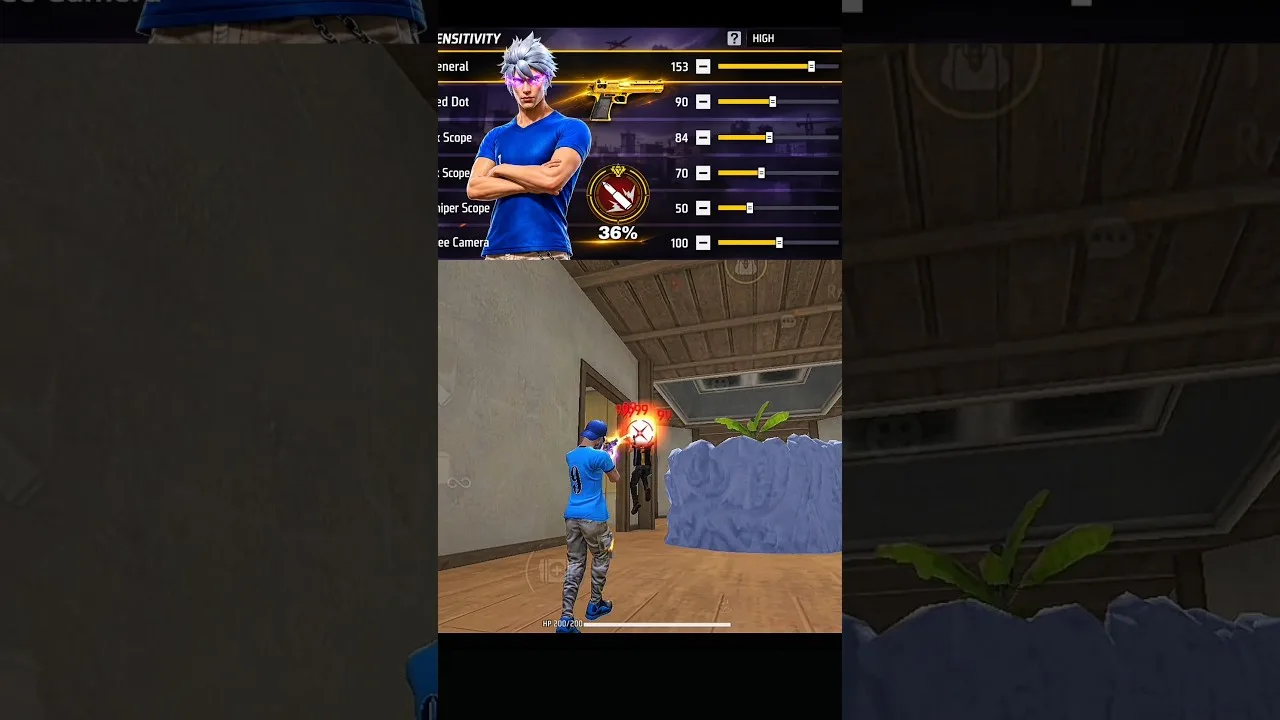
How to Update FF Kipas Without Losing Your Settings
Learn how to update FF Kipas safely, keep your saved settings, check your current build first, and avoid the common update mistakes Android users make.
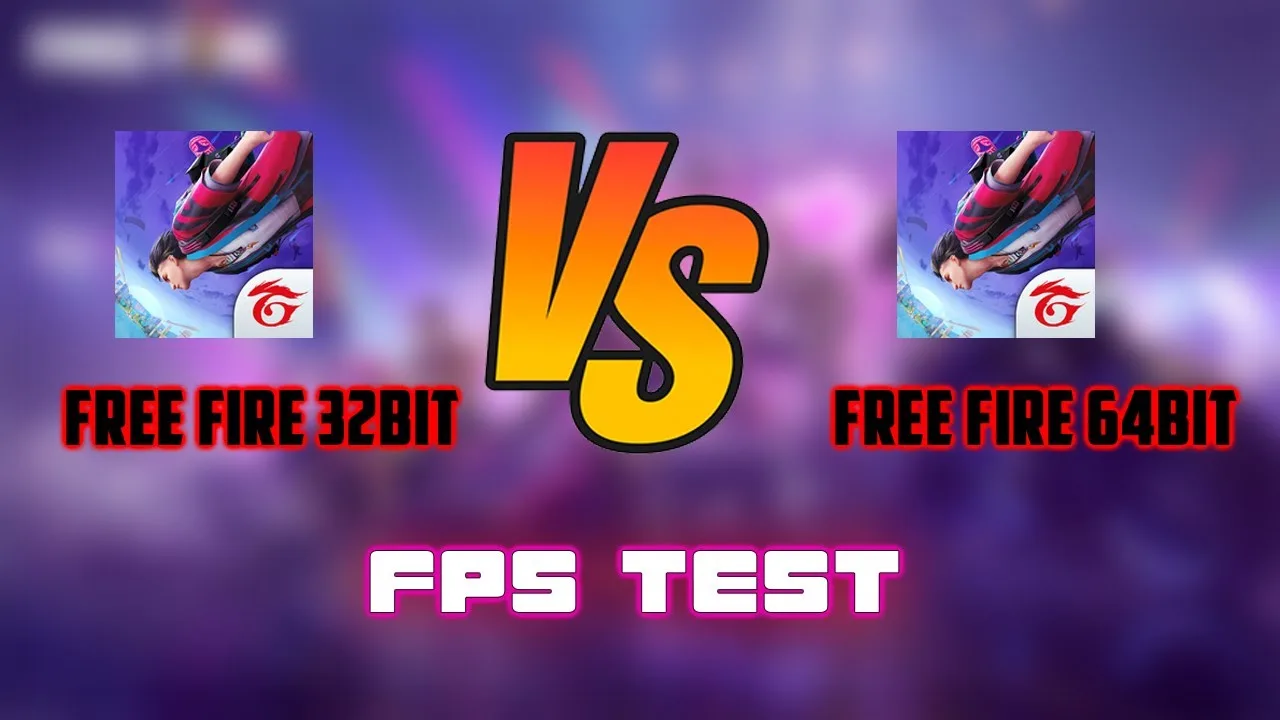
FF Kipas 32-Bit vs 64-Bit Builds Explained for Android
Understand FF Kipas 32-bit vs 64-bit builds, how to check which one your Android phone actually needs, and what changes when you pick the right build.
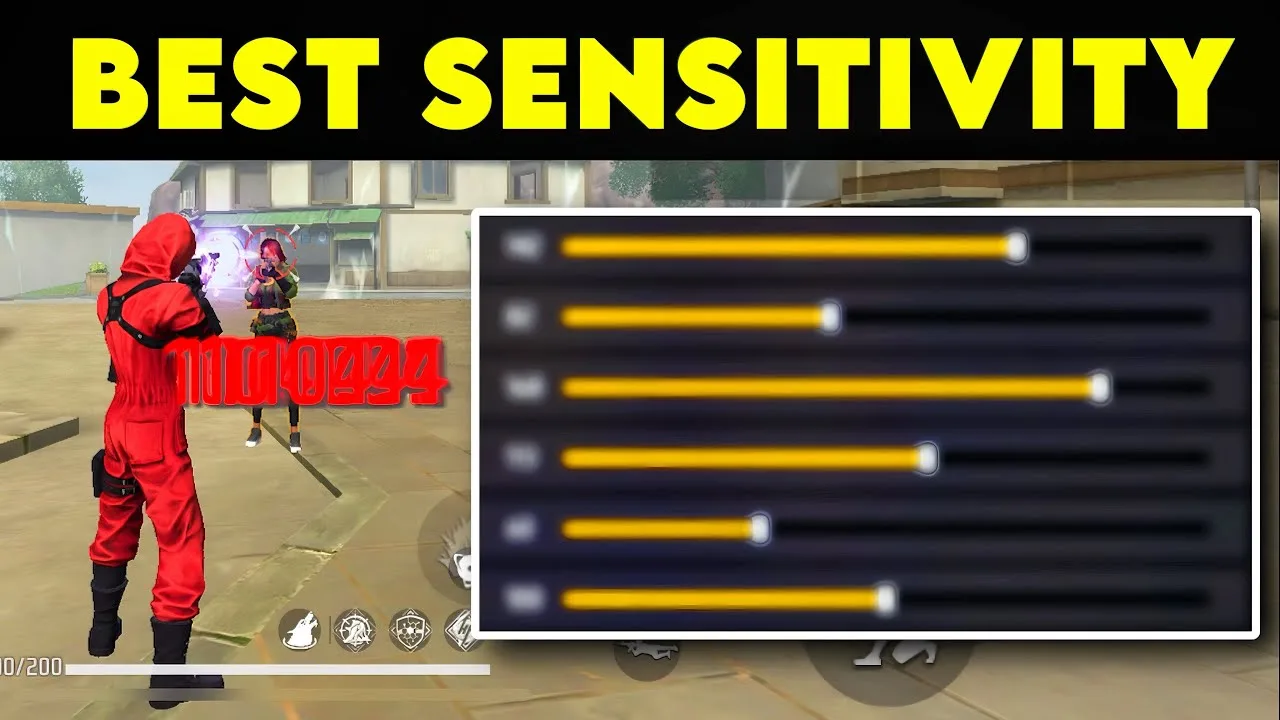
FF Kipas Sensitivity Settings Explained for Free Fire
Learn what each FF Kipas sensitivity setting really does, how general, red dot, and scope values interact, and how to tune them in small, testable steps.
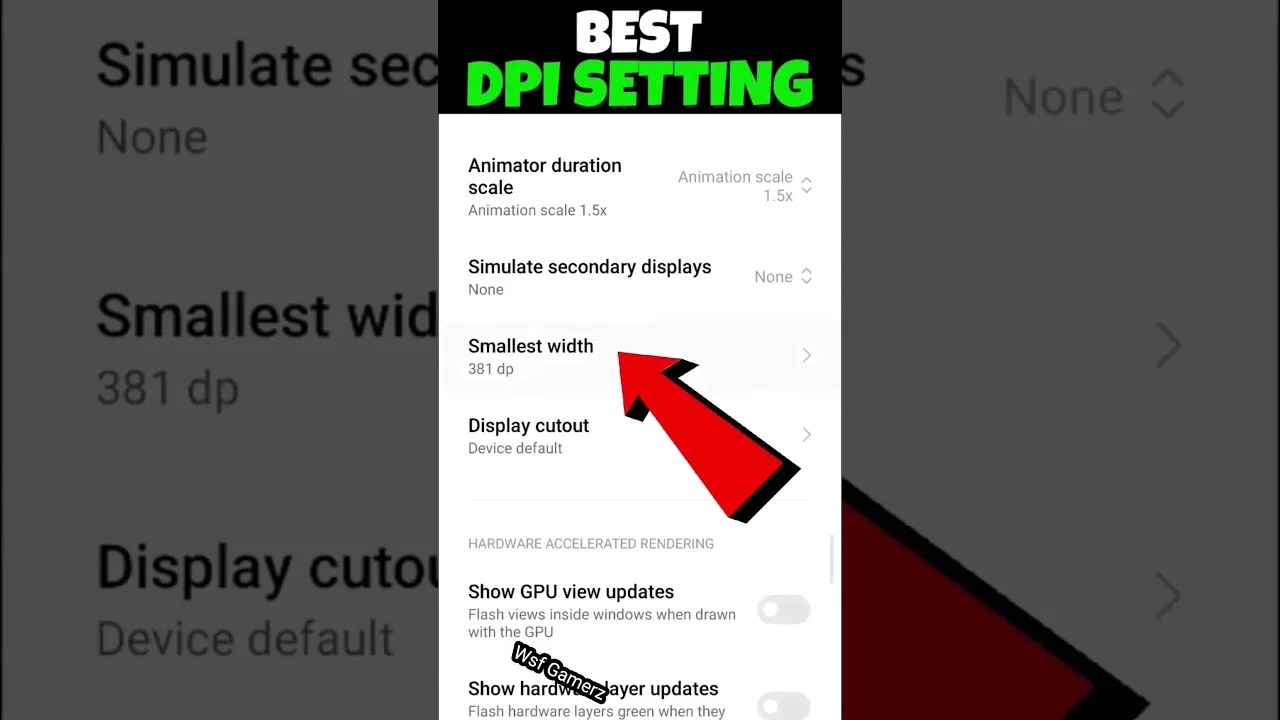
FF Kipas DPI Settings Guide for Smoother Aim Control
Learn how DPI works together with FF Kipas, what raising or lowering it changes on Android, and how to find a DPI value your aim can actually repeat well.
FF Kipas Headshot Settings Tips for More Consistent Aim
Practical FF Kipas headshot settings tips covering sensitivity balance, crosshair placement, drag technique, and drills that make headshots repeatable.
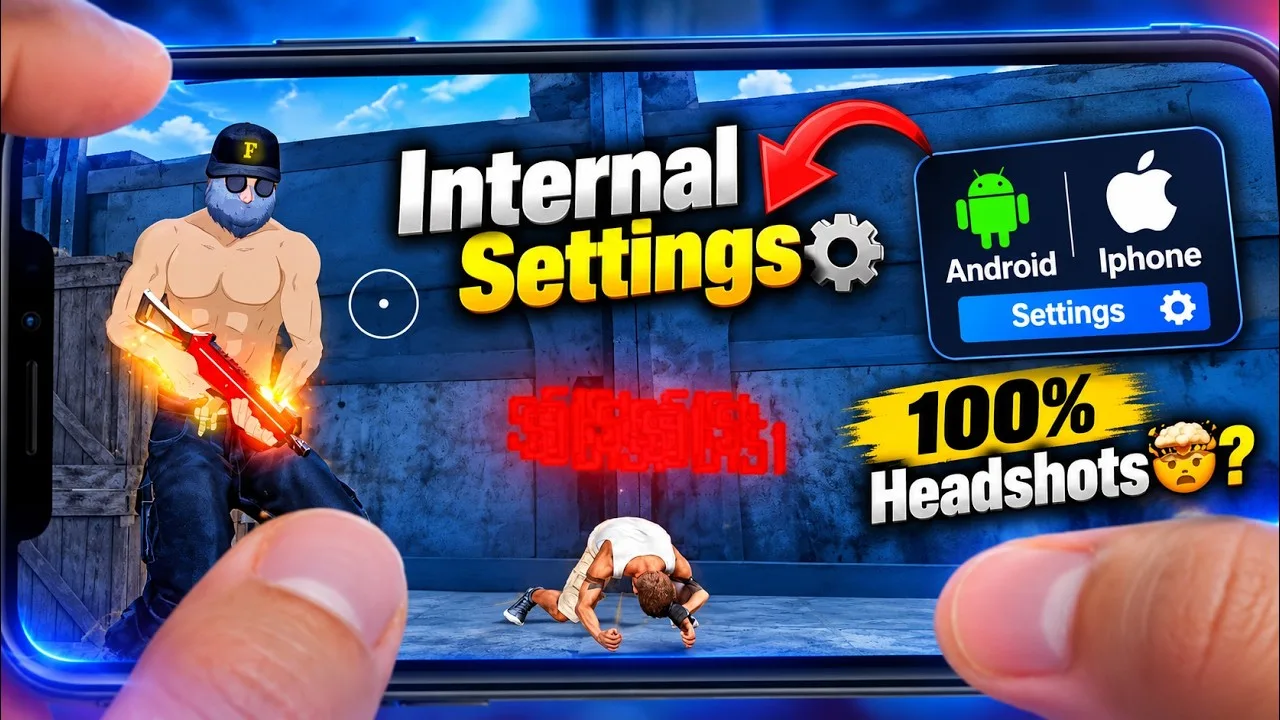
FF Kipas Permissions and Safety Settings Explained
A clear guide to FF Kipas permissions and safety settings on Android, what each permission is actually for, and how to review them like any other app.
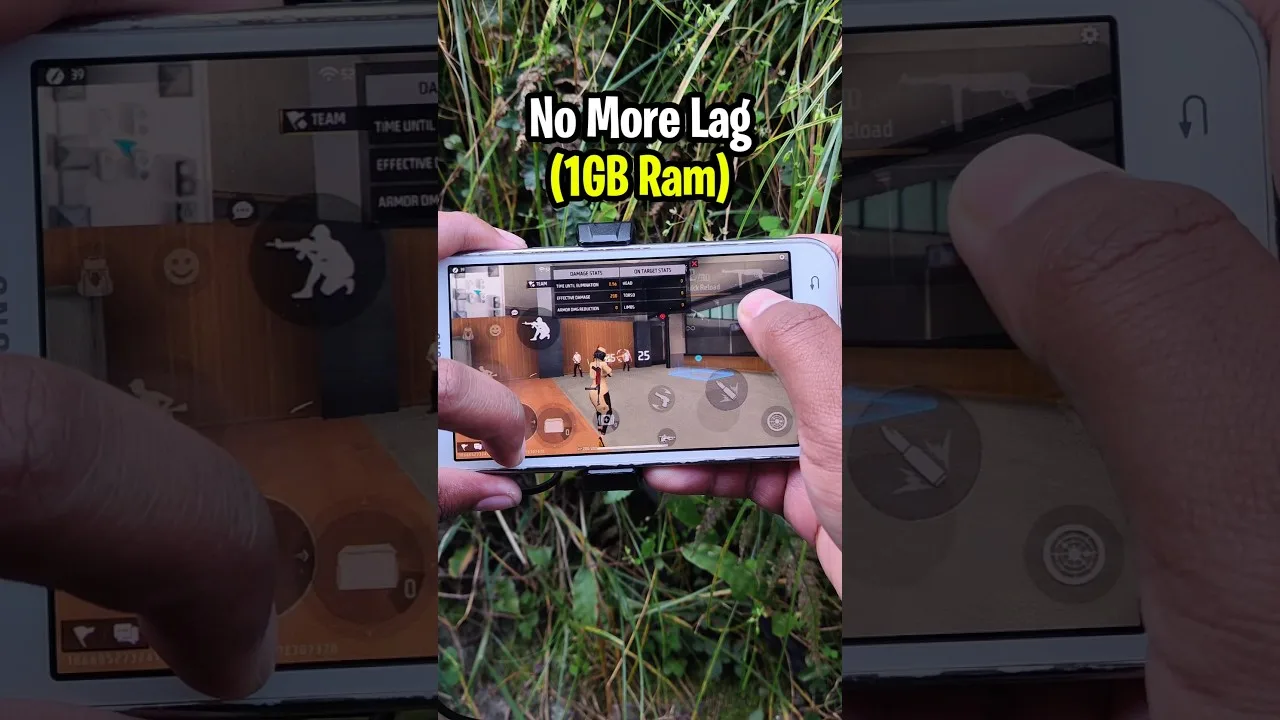
FF Kipas Performance Tips for Low-End Android Phones
Realistic FF Kipas performance tips for low-end Android phones, covering storage, background apps, graphics choices, heat, and much steadier frame rates.
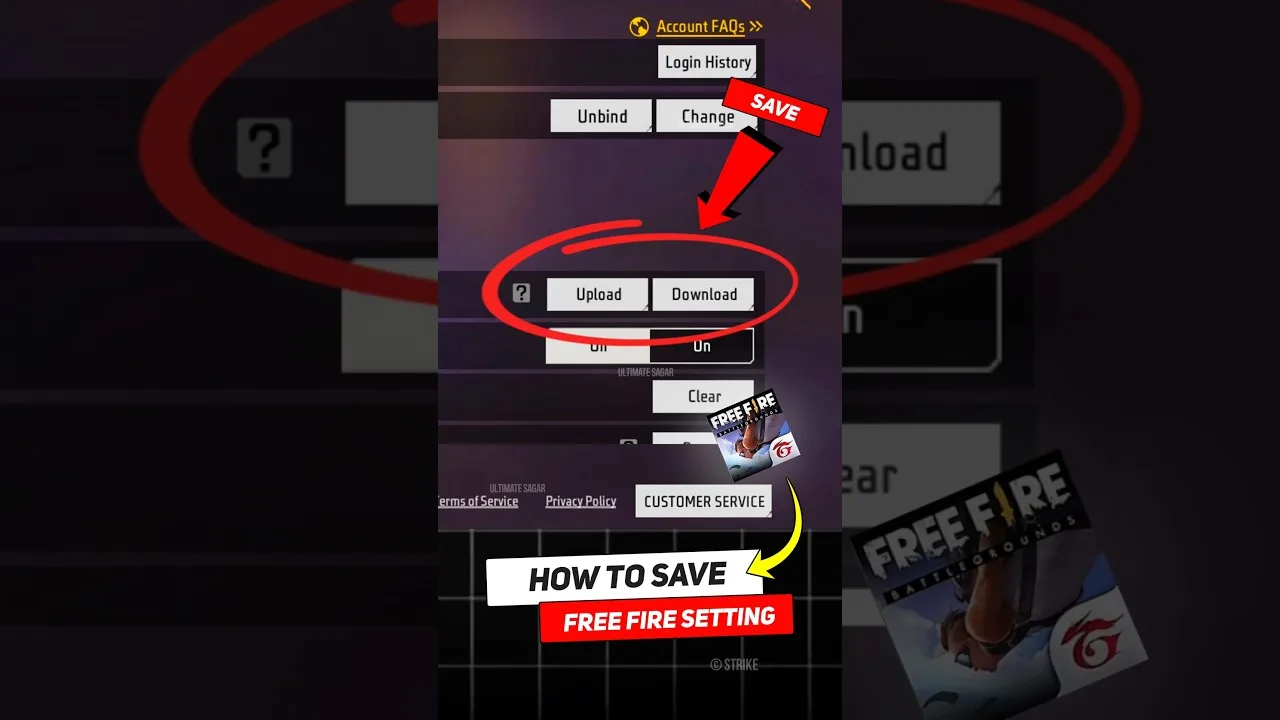
How to Backup and Restore FF Kipas Settings Safely
How to backup and restore FF Kipas settings with a simple, reliable routine, so updates, reinstalls, and phone changes never cost you your tuned setup.

Common FF Kipas Setup Mistakes to Avoid on Android
The most common FF Kipas setup mistakes on Android, from copied settings and wrong builds to skipped backups, and how to avoid each one the easy way today.
FF Kipas Panel vs Manual Play Which Suits Your Style
An honest FF Kipas panel vs manual play comparison covering aim control, learning curve, consistency, and which approach suits different player styles.
FF Kipas Overlay Settings Guide for Android Players
How FF Kipas overlay settings work on Android, including placement, size, transparency, and keeping the floating panel useful without blocking your view.
How to Fix Lag While Using FF Kipas on Android
How to fix lag while using FF Kipas on Android by separating network lag, frame drops, and heat issues, then applying the fix that matches each cause.
Testing FF Kipas Settings in Training Mode Step by Step
A step-by-step routine for testing FF Kipas settings in training mode, with fixed drills for sensitivity, DPI, and headshots that give honest results.
FF Kipas Frequently Asked Questions and Clear Answers
FF Kipas frequently asked questions with clear, honest answers on installing, updating, builds, settings, lag, overlays, and backups for Android players.
How to Install FF Kipas on Android Phones and Tablets
Learn how to install FF Kipas on Android phones and tablets with clear setup steps, device checks, and practical tips for a smoother first launch.

FF Kipas Features Guide for Free Fire Players
Explore the main FF Kipas features, practical utility areas, and why Android users look for its setup, profile, and performance-related options.
FF Kipas Device Compatibility Guide for Android and Emulator Users
Find out which devices can run FF Kipas, how Android and emulator support differ, and what users should check before installing the app.
FF Kipas Main Sections Guide for Tools and Setup Areas
Understand the main FF Kipas sections, from utility tools to profile and setup areas, so you can move through the app with more confidence.
FF Kipas Not Working? Common Problems and Fixes
Learn the common reasons FF Kipas may not work properly and review practical fixes for installation, launch, build, and device-related issues.
Best Ways to Use FF Kipas for Better Setup and Control
Discover the best ways to use FF Kipas, from cleaner setup habits to smarter section use, so Android players can get more value from the app.