A setup mistake is any early decision that quietly makes the app feel worse than it should, from installing the wrong build to copying settings tuned for somebody else's phone. FF Kipas rewards a methodical start, and most frustration reported by new users traces back to a short list of avoidable errors rather than to the app itself.
This guide names those mistakes plainly, explains why each one causes trouble, and gives the simple alternative. If you recognise one of your own habits here, fixing it usually improves the experience immediately. The app's main page is at download FF Kipas for Android; the sections below are about starting clean and staying that way.
Mistake One: Copying Settings From Another Player
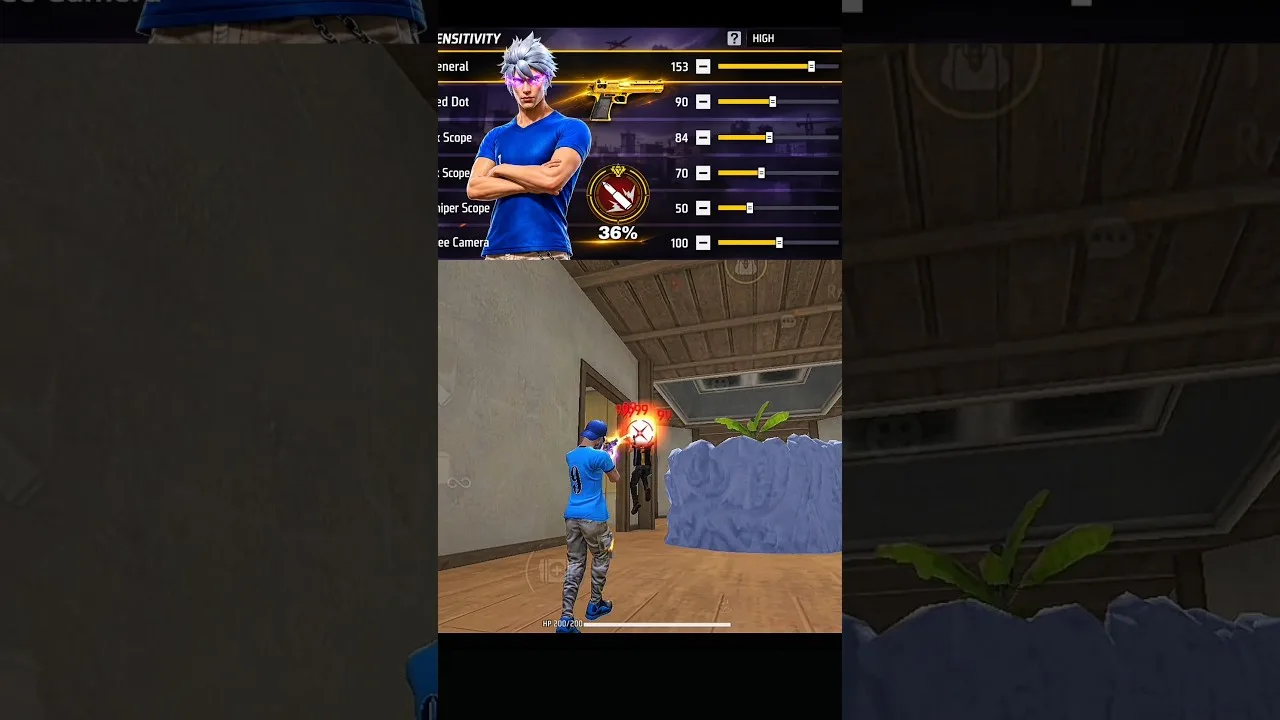
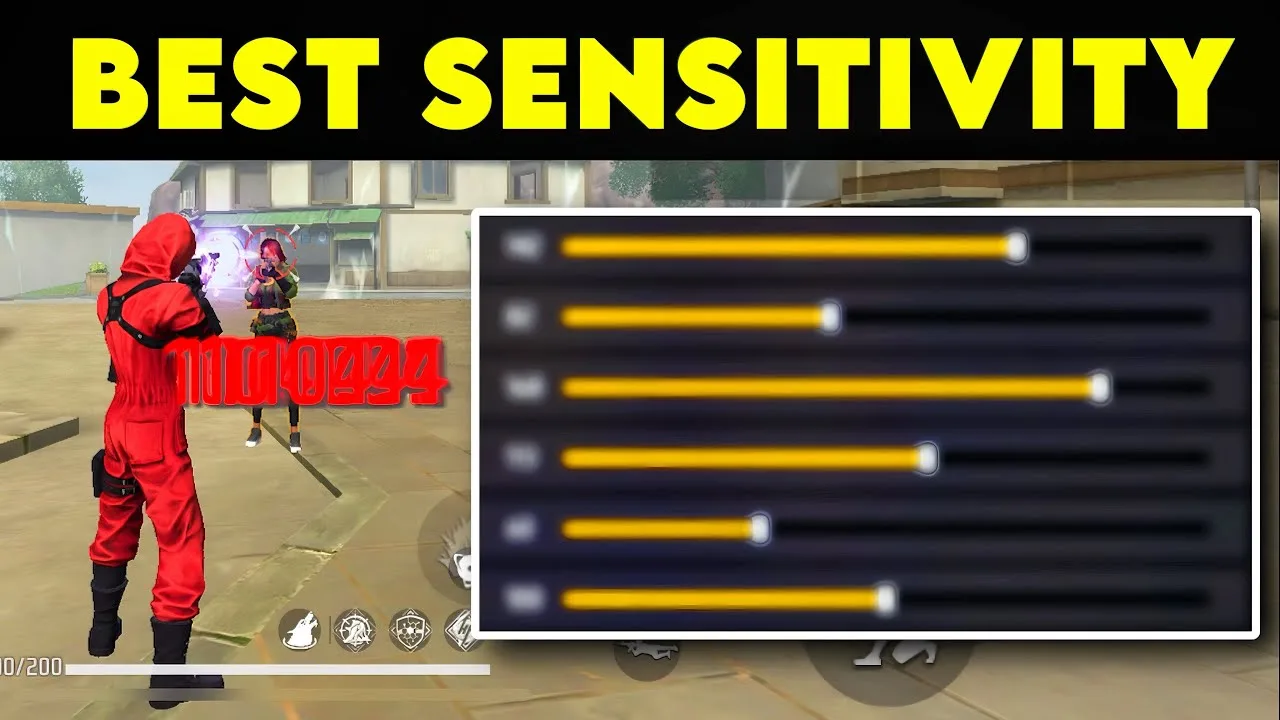
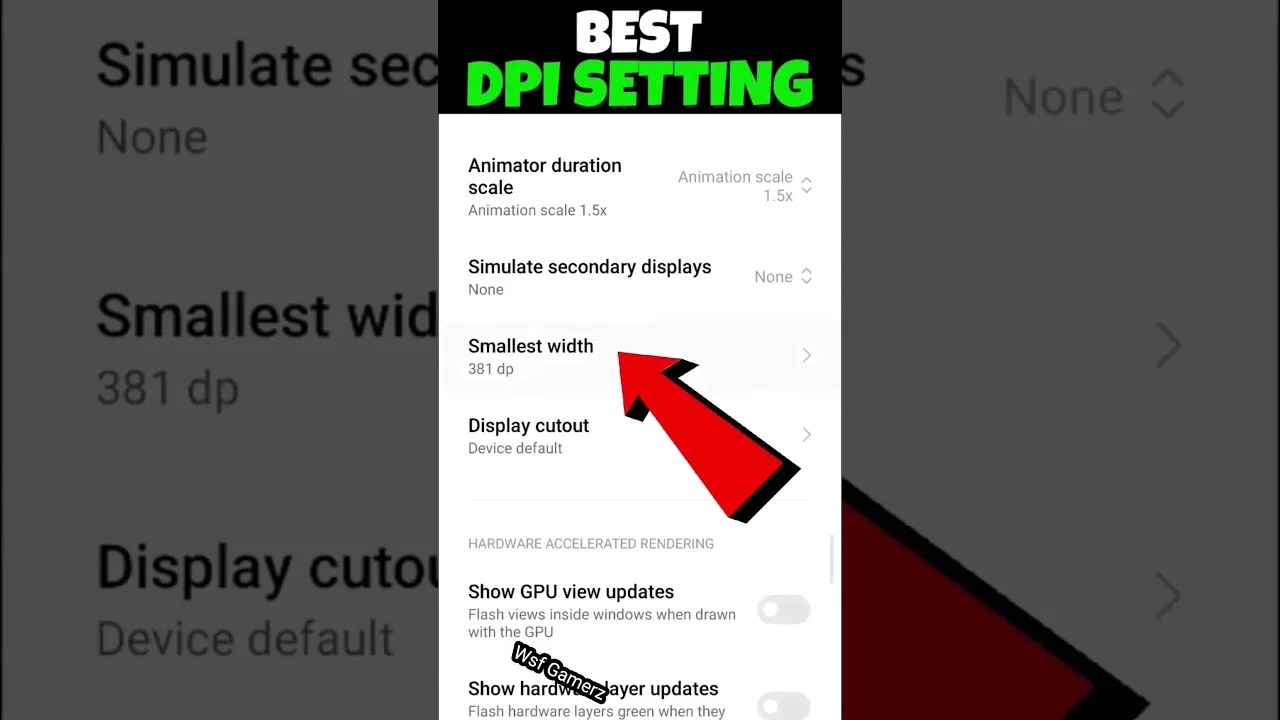
The most widespread mistake is importing a famous player's full configuration: sensitivity, DPI, and layout in one go. Those numbers were tuned for a specific screen size, refresh rate, grip, and swipe style. On your phone they produce a different physical result, so the setup feels random, and the player concludes either the app or their own skill is at fault.
Use shared settings as a rough starting range at most, never as a final answer. Your own values, built through small tested changes, will outperform any copied set within a few sessions because they match your hardware and hands. The general habits in best ways to use FF Kipas point in the same direction: purposeful, gradual use beats bulk copying every time.
Mistake Two: Changing Everything at Once
New users often adjust sensitivity, DPI, button layout, and panel options in a single session, then cannot tell which change helped and which hurt. The setup enters a confusing state where every match feels different, and the natural response of changing more things only deepens the problem.
Change one variable, test it with a fixed drill, record the result, and only then move to the next. It feels slower, but it is actually the fastest route to a stable setup because every step is reversible and understood. The tuning method in FF Kipas sensitivity settings explained is built entirely on this one-change discipline, and following it removes most self-inflicted setup chaos.
Mistake Three: Installing the Wrong Build
Downloading the first file offered without checking whether it matches the device leads to failed installs, launch crashes, and sections that behave oddly. The build question, including the difference between architecture variants and what your phone supports, should be settled before the download starts, not after the errors appear.
Pair that check with basic preparation: enough free storage, a phone that is not mid-update for other apps, and a few minutes where you will not interrupt the install. Most installation disappointment is really preparation disappointment, and it is entirely preventable with a two-minute check before tapping the file.
A sixth mistake deserves an honourable mention: tuning on a phone that is already struggling. Players adjust sensitivity to compensate for stutter that is actually caused by full storage, background load, or heat, and then the values feel wrong again once the phone is cleaned up. Always prepare the device first: free some space, close what you are not using, let the phone cool, and only then judge a setting. Otherwise you are calibrating your setup to a temporary problem, and every later fix to the device quietly uncalibrates it. Clean device first, settings second is a boring rule, and like most boring rules in this guide, it is the one that prevents the interesting problems.
Mistake Four: Skipping the Backup Habit
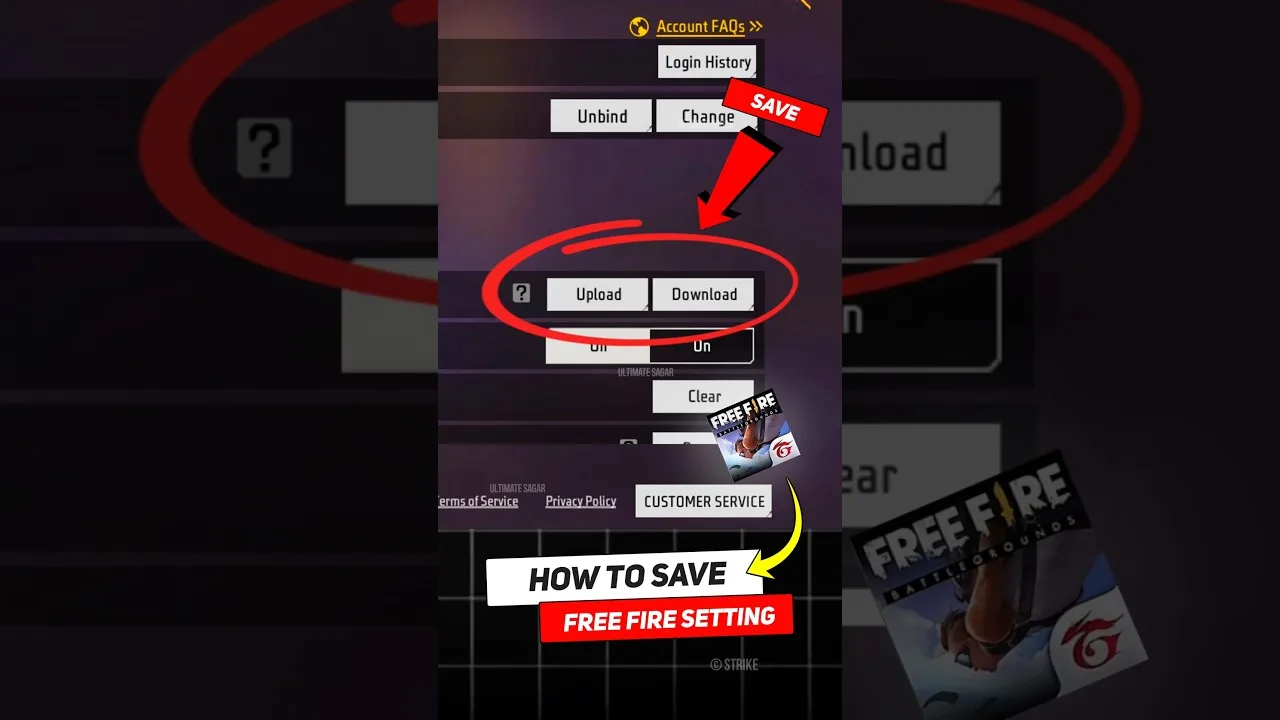
Players spend weeks refining values and then lose all of them in one careless reinstall, because the settings existed only inside the app and nowhere else. Rebuilding from memory never reproduces the original feel, and the frustration of that loss puts many users off tuning altogether.
The fix is small: screenshots of each settings screen plus a short text note, refreshed whenever you settle on a change. With that record, updates and reinstalls become routine maintenance. Without it, every update is a gamble with your own work as the stake, which is a poor trade for two minutes of effort.
Mistake Five: Judging Settings in One Match
A single match is a terrible measuring tool. Opponents, map, connection, and your own tiredness all vary, so a good setting can look bad and a poor one can flatter you. Players who react to one match keep changing values daily and never build the muscle memory that makes any setup feel good.
Judge changes across several matches plus a fixed practice drill, and give each serious change at least a full session before deciding. Settings stability is a skill in itself: the players with the most consistent aim are usually the ones who changed their setup least often in the last month, not the ones who found magic numbers.
Notice that none of these mistakes require talent to avoid, only sequence: prepare the device, choose the right build, change one thing at a time, test it fairly, and write the result down. Players who follow that sequence rarely post about broken setups, because their setups rarely break.
Final Thoughts
Every common FF Kipas setup mistake has the same shape: a shortcut that skips checking, testing, or recording. Avoid copied configurations, single-variable changes only, the right build for your device, a living backup, and patient judgement, and your setup will stabilise faster than any trick can promise.