DPI, in the Android gaming sense, refers to the display density value that affects how large interface elements appear and how touch movement translates on screen. Raising it makes on-screen elements smaller and effectively increases how responsive a swipe feels, which is why so many Free Fire players experiment with it alongside their sensitivity values.
DPI is powerful precisely because it changes the whole screen, not just one slider. That also makes it easy to misuse: extreme values can make buttons hard to tap and text hard to read. This guide explains the trade-offs so you can choose a value deliberately. For the app overview itself, start with FF Kipas latest APK and come back here for the display tuning.
What Changing DPI Actually Does
Android uses the density setting to decide how much content fits on the display. A higher value tells the system to draw interface elements smaller, so more of the game world is visible and touch input covers the displayed scene with less physical thumb travel. A lower value does the opposite, enlarging everything.
Because the change is system-level, it affects menus, buttons, and text size everywhere, not only inside a match. That is why a DPI that feels brilliant during a fight can still be a bad daily setting if it makes the lobby, the panel sections, or normal phone use uncomfortable to read and tap accurately.
DPI and Sensitivity Work as a Pair
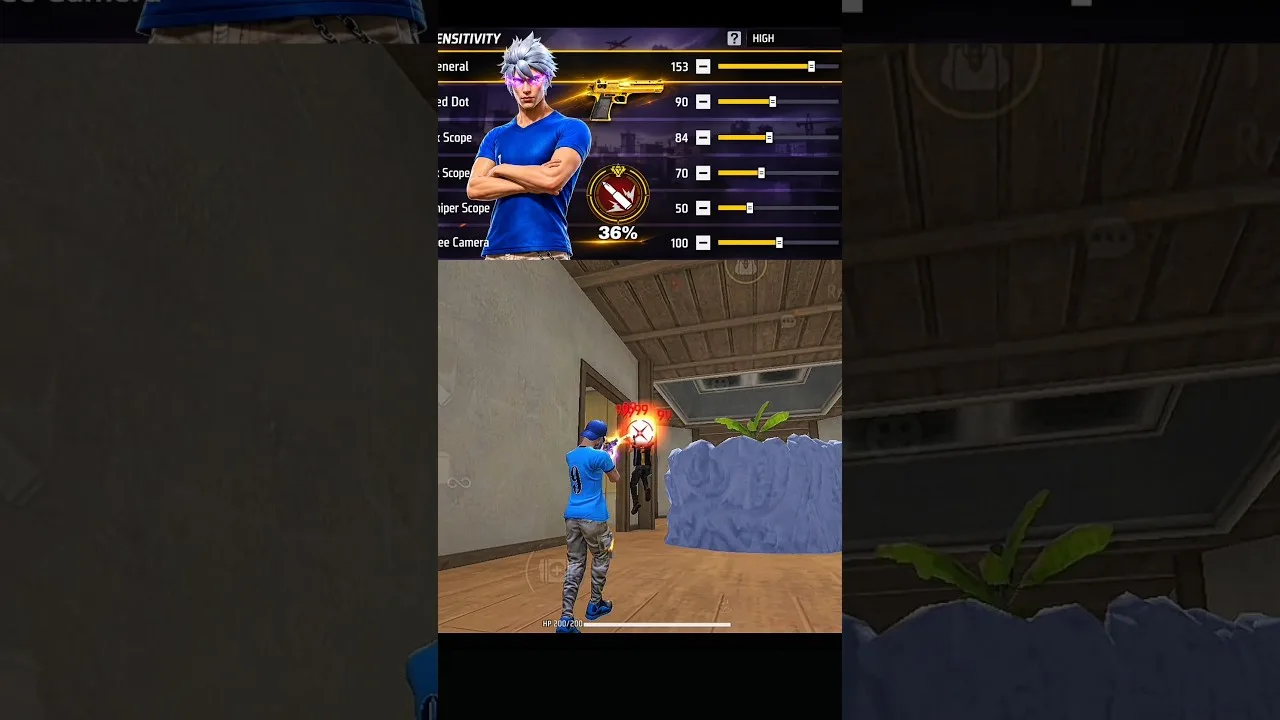
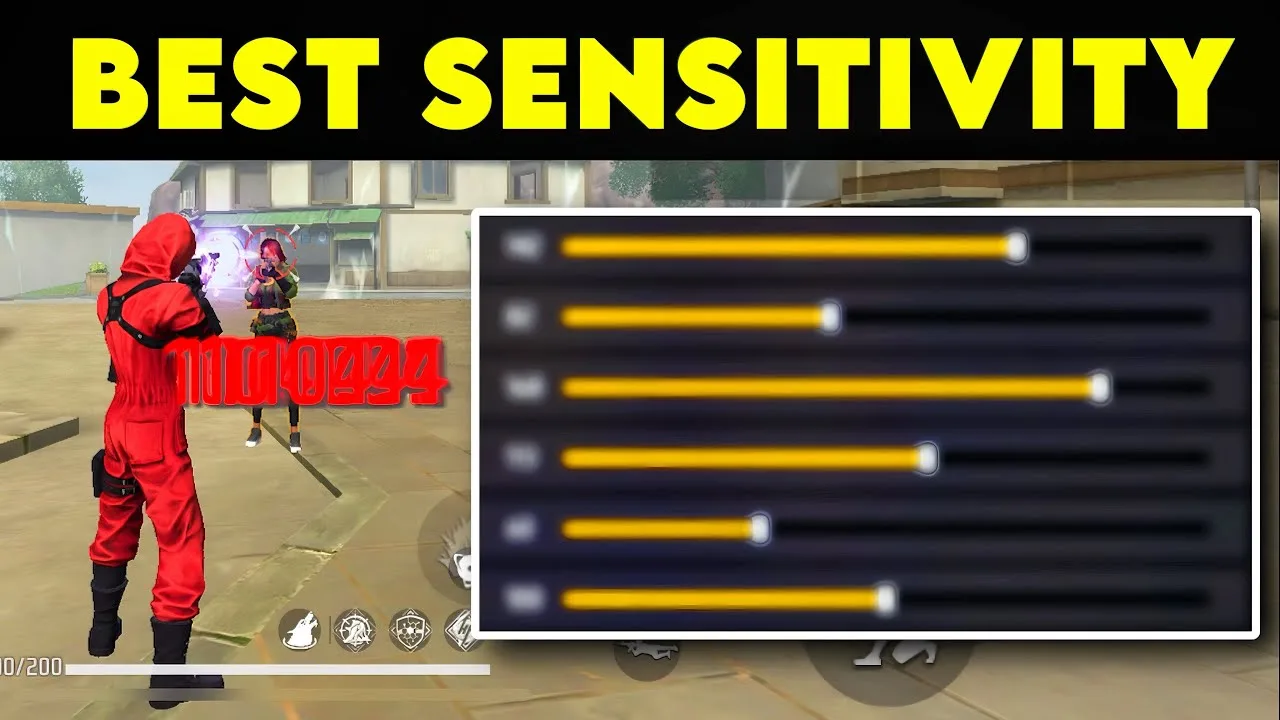
Sensitivity decides how the game responds to a swipe, while DPI changes the screen that swipe happens on. Raising DPI without touching sensitivity can make aim feel faster even though no in-game value changed, which confuses players who then adjust both at once and lose track of what helped.
The reliable order is to set DPI first, play long enough for the new screen feel to become normal, and only then fine-tune sensitivity around it. The FF Kipas sensitivity settings explained explains that second step in detail. Treating the two as a matched pair, adjusted in sequence, is what separates a stable setup from a week of random-feeling aim.
Finding a Sensible Starting Value
Most players should begin close to their phone's default density and move in modest steps. Small increases sharpen the sense of control without shrinking buttons into frustration, and they are easy to reverse. Jumping straight to a very high value copied from a video ignores the fact that screen size changes everything: the same number feels mild on a large display and extreme on a small one.
After each change, check the practical basics before judging the aim. Can you still tap small buttons first time? Is text readable without leaning in? Does the game interface lay out correctly? A value that fails those checks will cost you more in menus and misclicks than it gains you in swipe feel.
Where you change DPI matters too. Some phones expose a display size or smallest width option inside developer options or display settings, while other players use the setting purely as a reference inside their setup notes alongside sensitivity. Whichever route your device offers, change the value in one place only, note the original number before touching it, and restart or re-open the game so the new density applies cleanly. If text across the whole phone becomes uncomfortable, that is genuine information about your screen, not a challenge to endure. The right DPI respects the device you actually hold, and a value you can use all day will always beat an extreme value you tolerate only during matches.
Testing DPI Changes Properly
Judge a new DPI by repetition, not by one good fight. Run the same short set of drills after every change: turning checks, target tracking, and a few scoped shots at fixed distances. Your scores and comfort across the set tell you far more than a single highlight moment, which can happen at almost any setting.
Structured practice makes the comparison honest, and the routine in testing FF Kipas settings in training mode shows how to run those drills in an organised way. Keep notes on each value you test, including how the phone felt outside the game. The best DPI is the one that performs across a full session, not the one that wins a single drill.
When to Lower It Back Down
There are clear signs a DPI has gone too far: buttons you miss under pressure, eye strain after short sessions, accidental taps in crowded menus, and aim that feels twitchy rather than fast. None of those are things to push through. They are the setting telling you it no longer fits the device or your hands.
Lowering DPI is not a step backwards. Many steady players settle on a moderate value precisely because it keeps the whole phone usable while still improving swipe response over the factory default. Comfort across hours of play beats a marginal aim gain that makes the device unpleasant to use.
Keep a note of your factory default DPI somewhere permanent before you experiment. Returning to the exact original value is the cleanest reset available if a testing session ends in confusion, and guessing at the default afterwards rarely lands on the true number your phone shipped with.
Final Thoughts
DPI rewards a careful approach: small steps from your default, sensitivity tuned afterwards as a pair, and honest testing before any value earns a permanent place. Chosen that way, DPI becomes a genuine control improvement instead of another copied number that never quite feels right.