This FAQ collects the questions FF Kipas users ask most often, covering installation, builds, updates, settings, performance, and everyday troubleshooting, with a short clear answer for each one. It works as a quick reference: find your question, apply the answer, and follow the linked guide when you need the full detail behind it.
Most questions below share a theme: the answer is usually a small check rather than a big fix. Keep this page as your first stop when something puzzles you. For the app overview itself, FF Kipas panel download remains the main page, and each answer here points onward only where a deeper guide genuinely helps.
Installation and Build Questions
Do I need to uninstall before installing a new version? In most cases no: installing over the existing build preserves your data and settings, which is exactly what you want during an update. A clean reinstall is a troubleshooting step for a broken installation, not the default routine, and it should always come after a settings backup.
Which build should I download for my phone? The one that matches your device's architecture and general capability. Newer phones generally use the 64-bit option, while older models may need the 32-bit build. If you are unsure what the app offers overall before choosing, the FF Kipas features guide lays out its main areas, and checking your phone's specifications first prevents the most common install failure in this entire FAQ.
Settings and Aim Questions
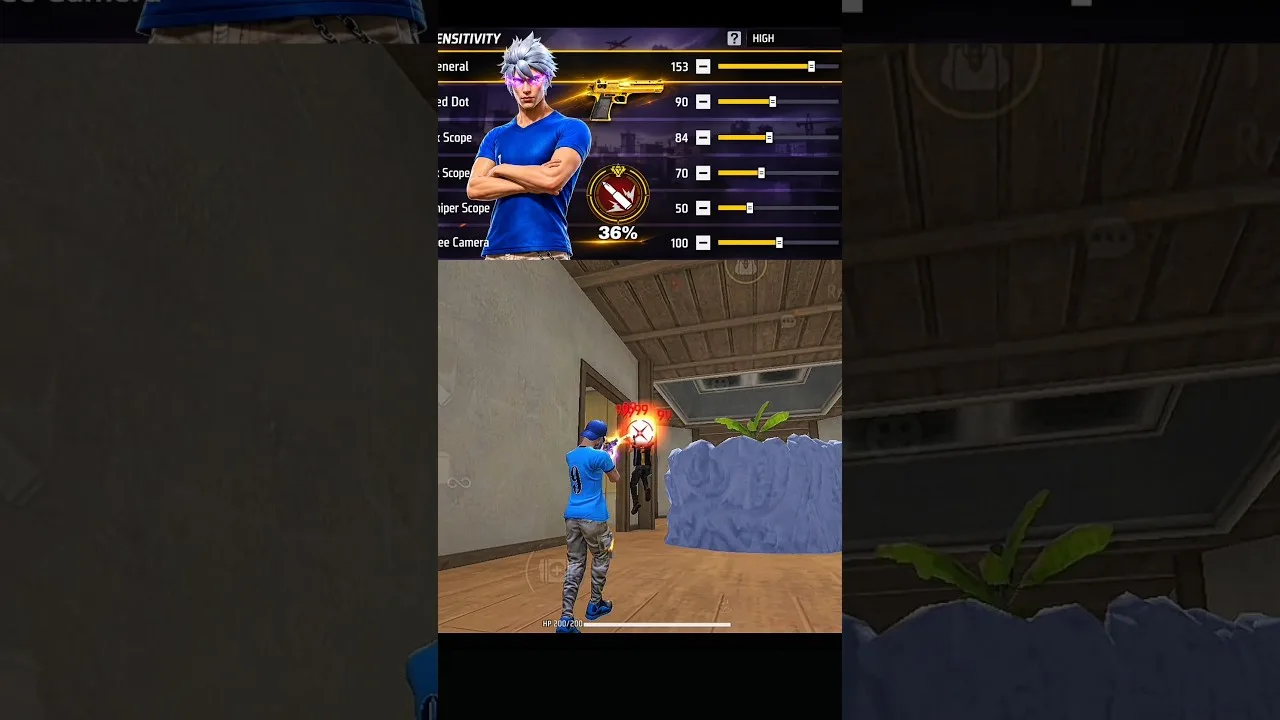
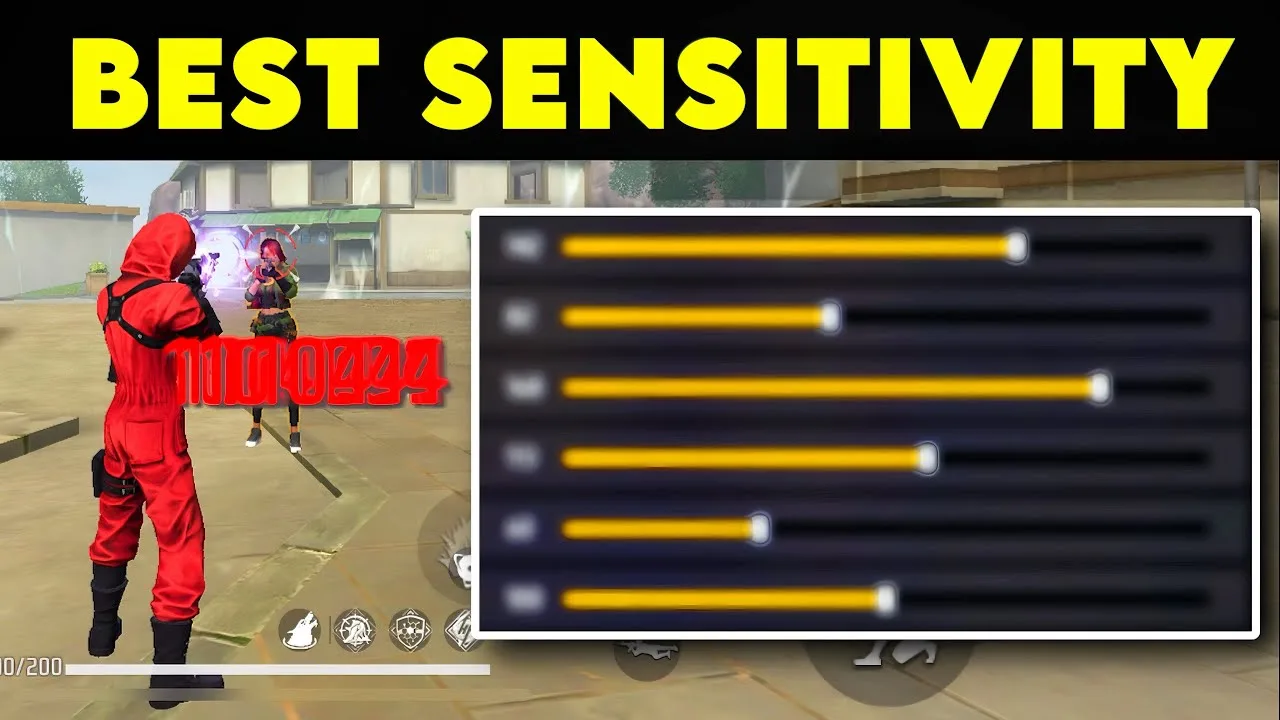
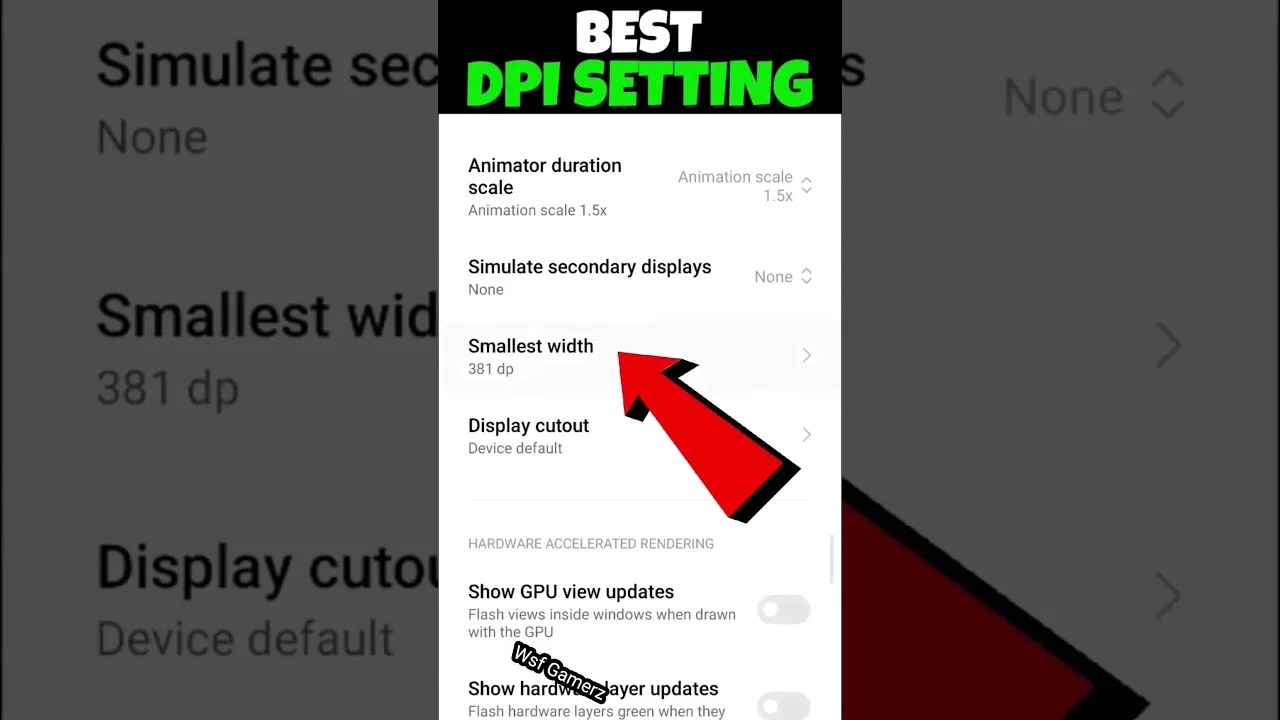
Why do copied settings feel wrong on my phone? Because sensitivity and DPI values are physical, not universal: they describe how movement behaves on a specific screen size with a specific touch response. The same numbers on your different screen produce different results. Use shared values as a starting range, then tune in small steps until the drills feel repeatable in your own hands.
How often should I change my sensitivity? Far less often than most players do. Every change resets part of your muscle memory, so values need several sessions to judge fairly. Change one value at a time, test it in training, and keep a written record. Players who stabilise their settings for weeks almost always aim more consistently than players who chase a new configuration after every difficult match.
Performance and Lag Questions
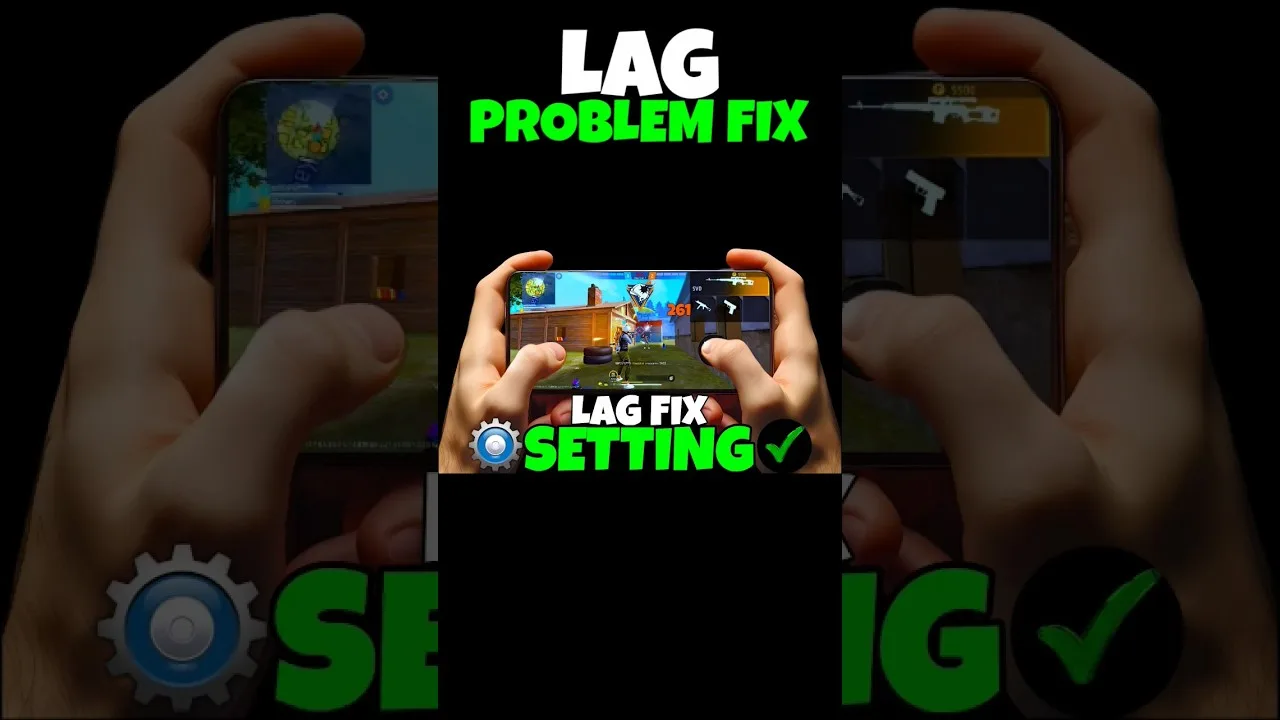
Why does the game get slower the longer I play? The usual cause is heat: as the phone warms up it reduces processor speed to protect itself, and performance drops in a way that feels like creeping lag. Lower brightness, remove the case, avoid charging during play, and take short breaks. If the problem appears instantly instead, look at storage space and background apps first.
Can the app fix a bad connection? No tool can repair network delay, because ping depends on your connection and distance to the server. What good setup does is remove the device-side problems that are often mistaken for network lag: full storage, background downloads, and performance settings that throttle the game. Separating those two categories is the fastest route to the fix that actually applies to you.
One question appears in almost every discussion: is it better to tune everything myself or start from a shared setup? The practical answer is both, in sequence. A shared setup gives you a sane starting range on day one, when you have no feel for the values at all. From there, your own testing takes over, and within a few sessions the configuration becomes genuinely yours. The mistake is stopping at the shared setup and treating it as finished, because it was tuned for a different screen and different hands. Think of shared values as a map drawn by someone else: useful for orientation, no substitute for walking the ground yourself.
Updates, Backups, and Everyday Use Questions
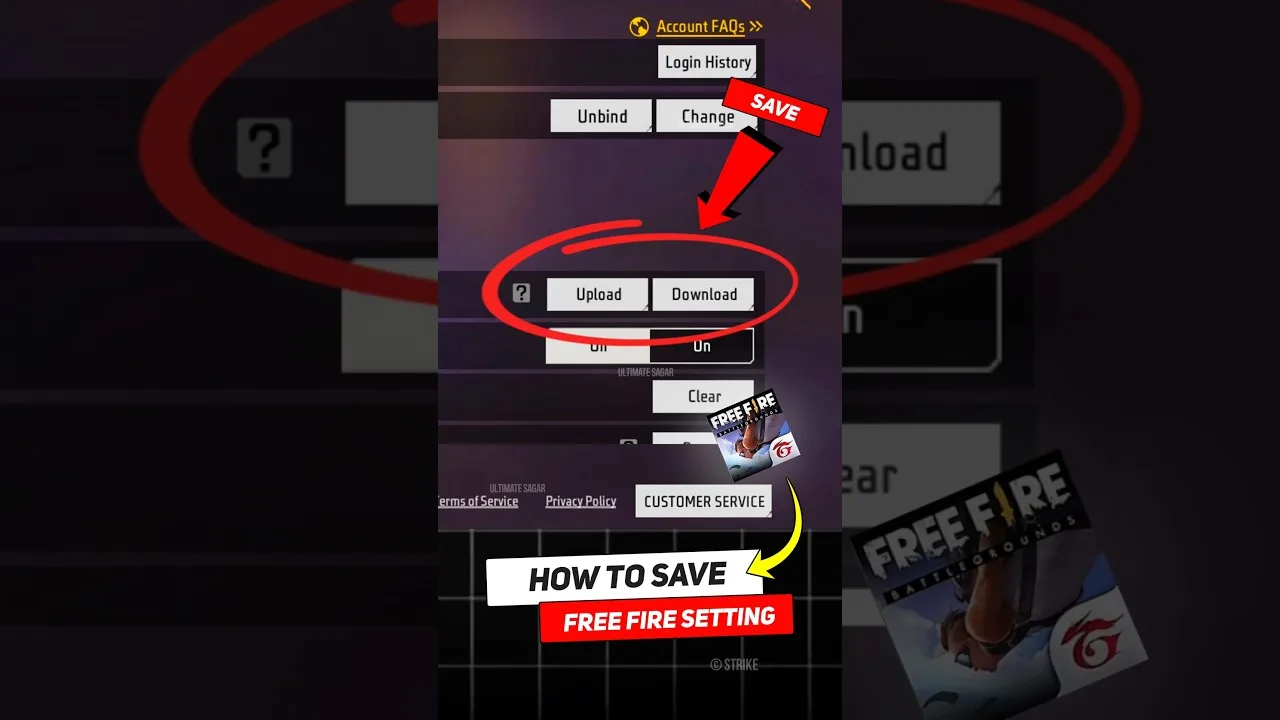
Will updating delete my settings? Installing over the current build normally preserves them, but normally is not a guarantee, which is why a backup before updating is the standing advice. Screenshots of your settings screens plus a short text note take two minutes and make any update risk-free, because every value can be re-entered exactly.
What should I try first when something stops working? Restart the app, then the phone, then check the basics: free storage, granted permissions, and whether the problem began right after an update or a settings change. That simple order resolves most everyday issues, and the fuller checklist in FF Kipas not working fixes covers the cases that survive it. Random reinstalling before those checks usually destroys information you needed for diagnosis.
Account and Device Questions
Can I use the same setup on a second device or an emulator? You can recreate it, and your written settings record makes that quick, but expect small adjustments. A different screen size or an emulator's virtual display changes how the same numbers feel, so re-run your standard drills after transferring and tune the last few points to the new device rather than assuming a perfect copy.
Does the app replace practising? No. Settings organise your setup and remove friction, but aim, positioning, and game sense still come from playing and drilling. The healthiest view of the tool is as a well-organised workshop: it keeps your equipment in order so that the time you spend practising counts for as much as possible.
Final Thoughts
Most FF Kipas questions resolve to a small set of habits: match the build to the device, back up before updates, tune one value at a time, and diagnose problems in a calm order. Keep this FAQ nearby, follow the linked guides when you need depth, and the everyday side of using the app will stay simple.