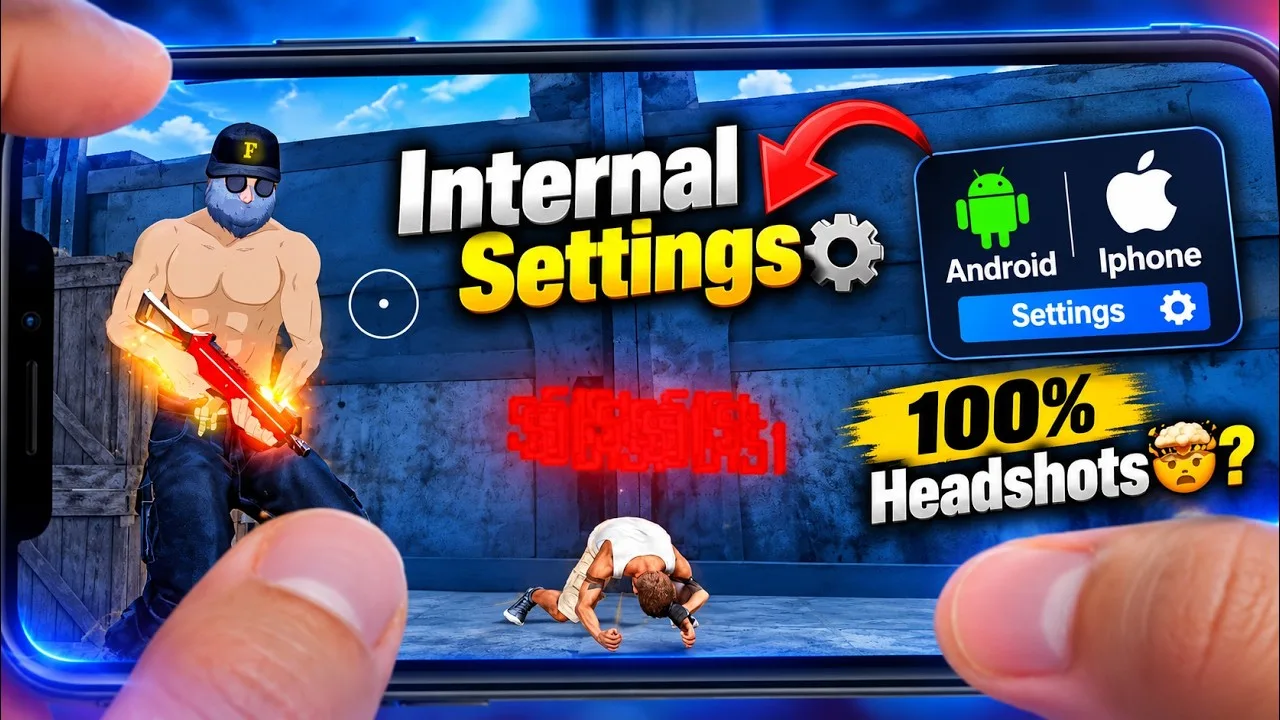
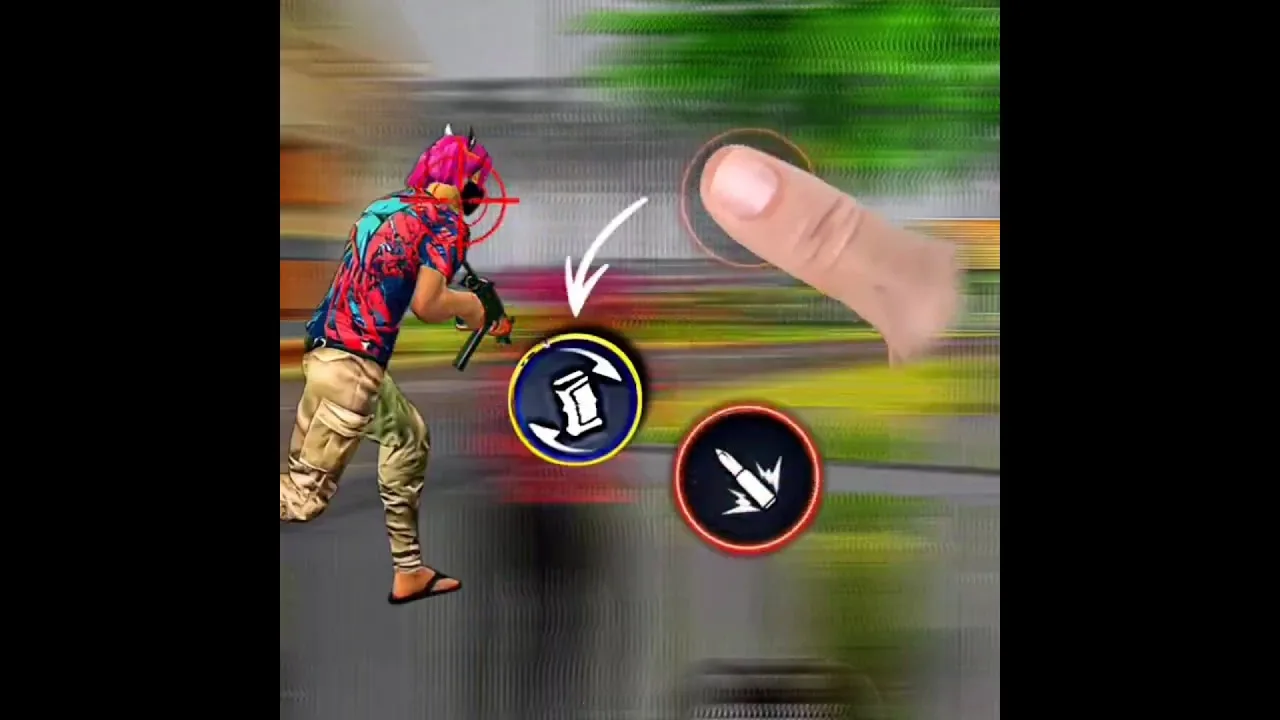
A headshot in Free Fire is simply a shot that connects with the head hitbox, which deals far more damage than a body shot, and consistency comes from crosshair position and a controlled drag rather than from any single extreme setting. FF Kipas settings can support that technique, but only when the values underneath are balanced for your hands.
Players usually fail at headshots for repeatable reasons: the crosshair starts too low, the drag is too fast or too slow for the sensitivity in use, or the fire button placement forces an awkward thumb angle. This guide works through each factor. For the app in general, FF Kipas panel app covers the main page, while the sections below stay focused on aim.
Start With Crosshair Placement, Not Settings
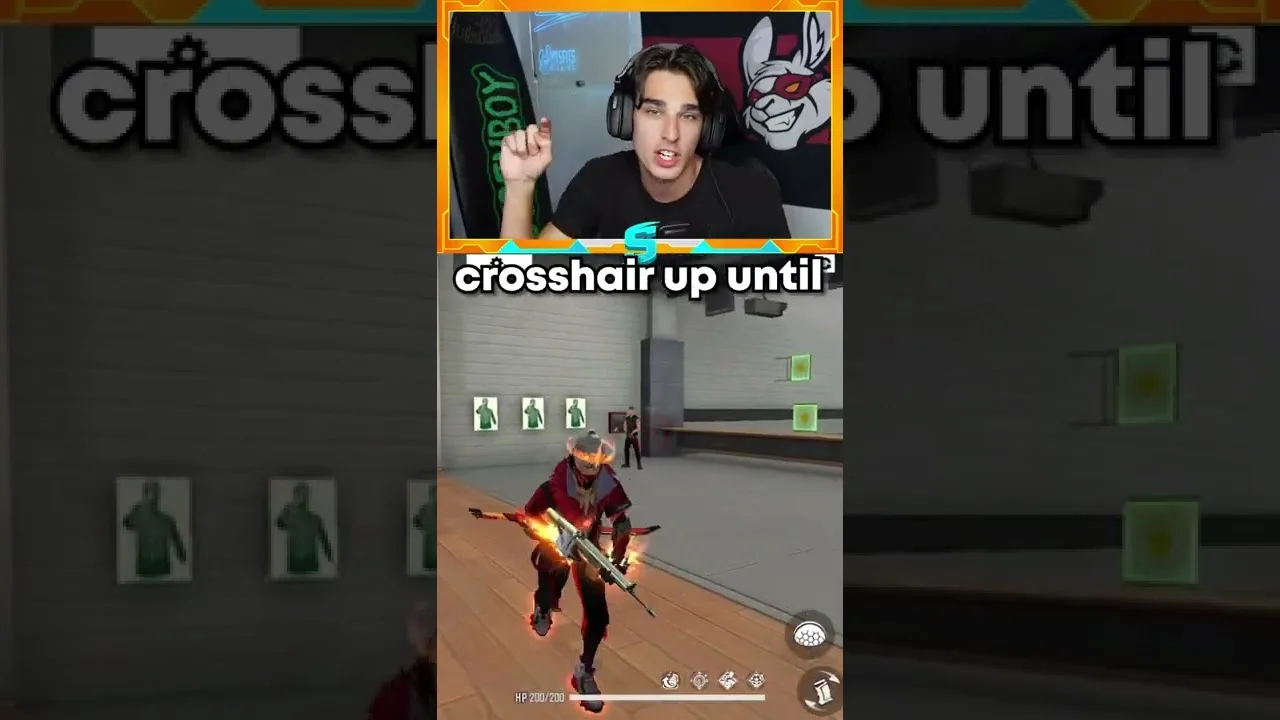
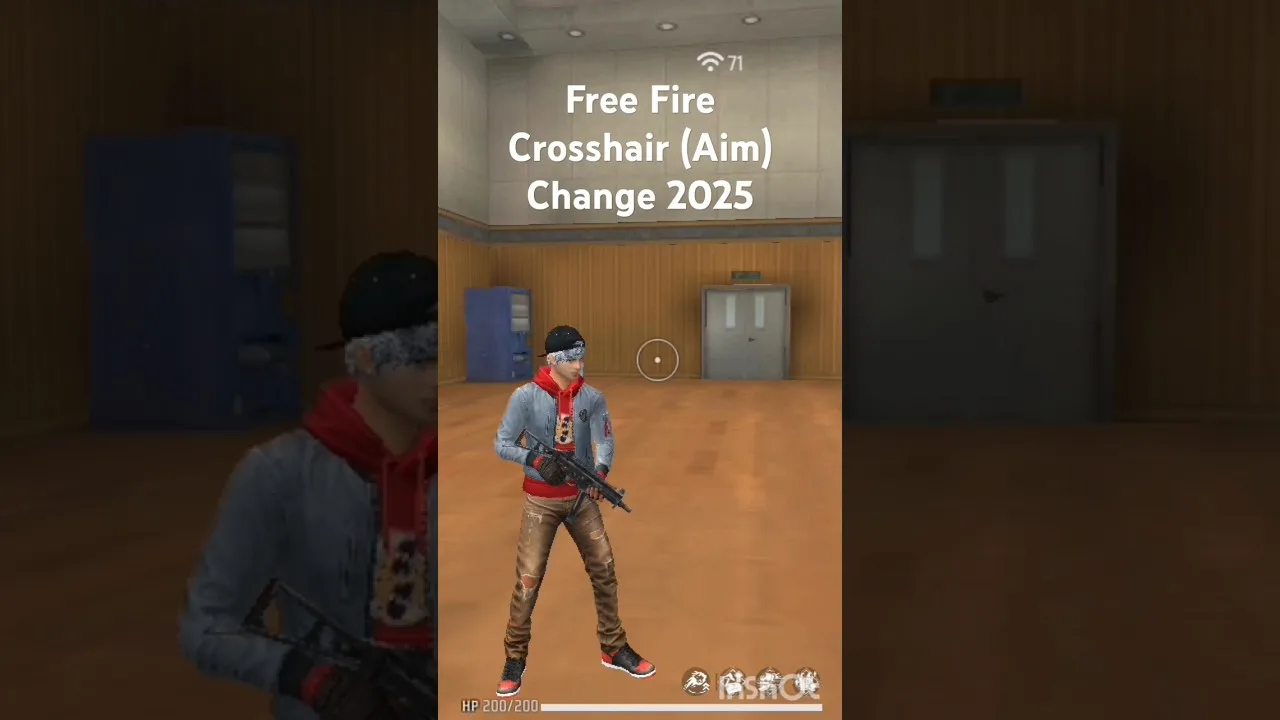
The most reliable headshot habit costs nothing: keep your crosshair at head height while moving, instead of letting it drift toward the ground or the centre of the body. When an opponent appears, a crosshair already at head level needs only a short correction, while a low crosshair demands a long drag that often overshoots.
Practise the habit while looting and rotating, not only during fights. Run with the crosshair level, clear corners at head height, and pre-aim the spots where an opponent's head would appear. Within a few sessions this placement becomes automatic, and your settings suddenly seem to work better without any number changing at all.
Balance Sensitivity for a Controlled Drag
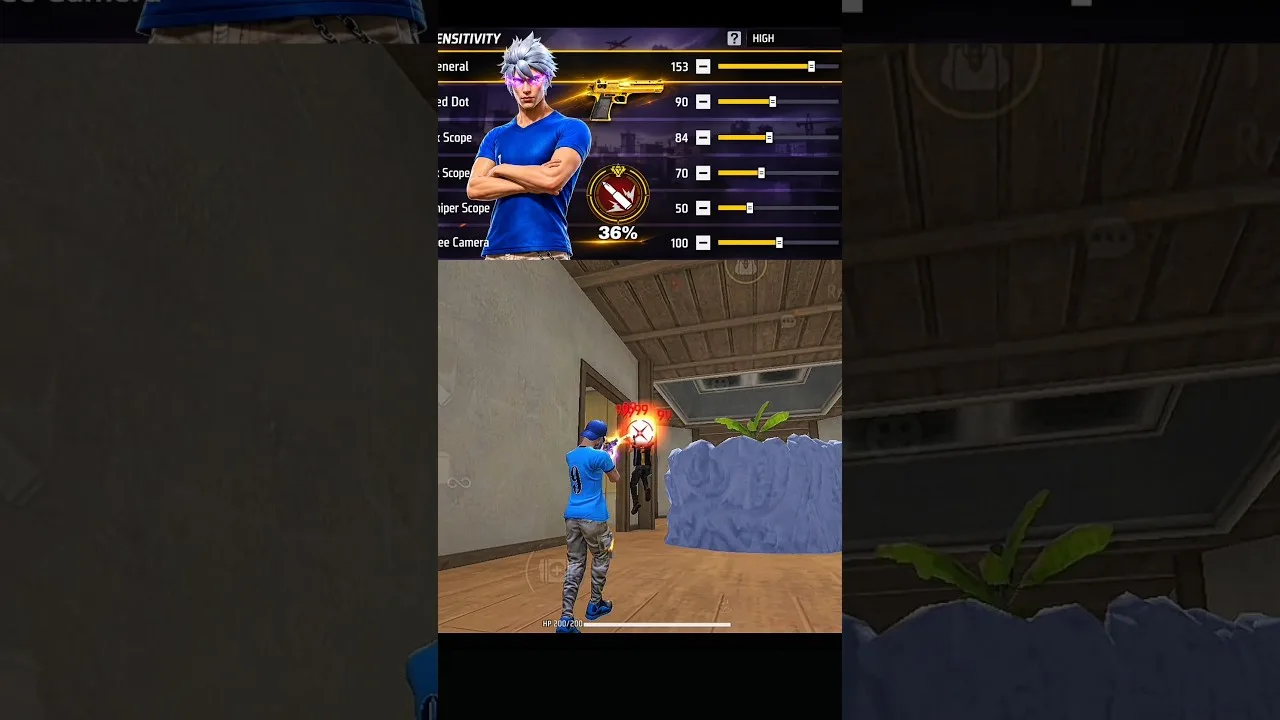
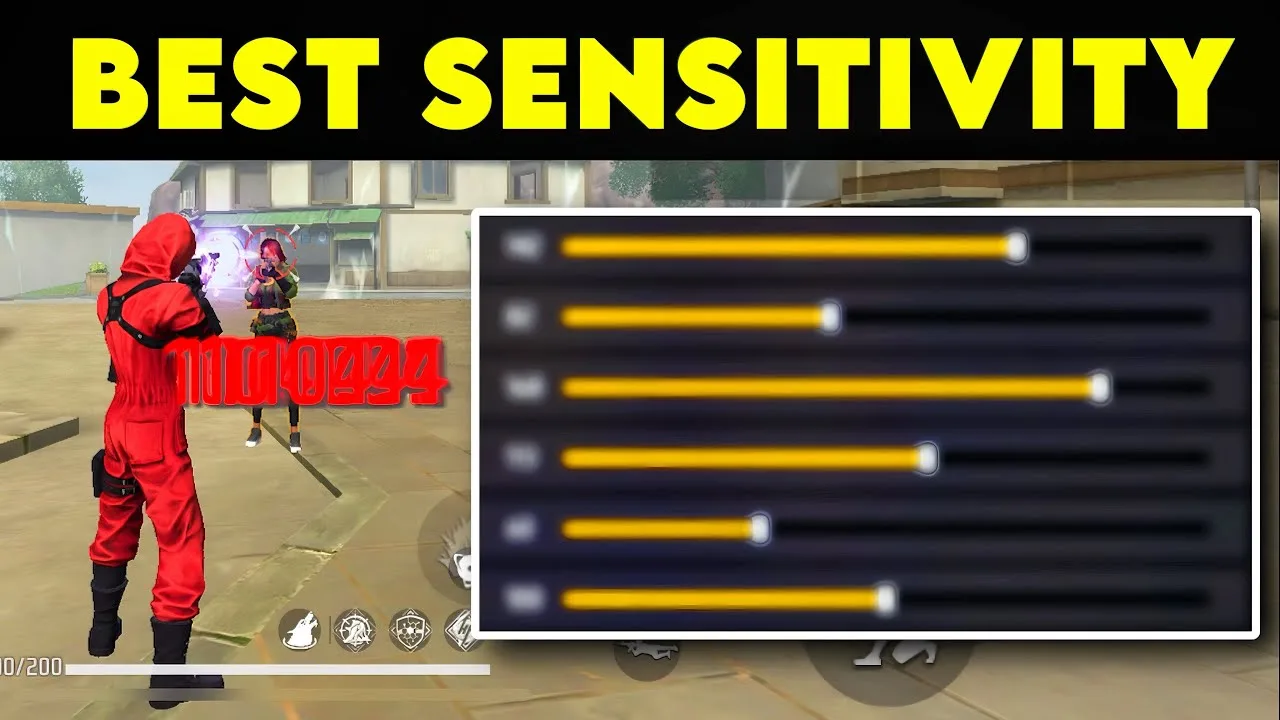
The drag headshot asks your thumb to pull the crosshair upward while firing, so the sensitivity must let that drag rise smoothly and stop at the head. If the value is too high, the crosshair flies above the target; too low, and it stalls at the chest while the opponent returns fire. Both failures look like bad technique but are often a settings mismatch.
Build the underlying values first with the method in FF Kipas sensitivity settings explained, then make only small headshot-specific adjustments. Change in steps of a few points and test each step on moving targets, because a value that works on a standing dummy can behave very differently against a strafing opponent at real fight distance.
Fire Button Size and Position Matter
Drag technique depends on the fire button as much as on sensitivity. A button that is too small gets missed under pressure, and one placed where your thumb naturally rests at an angle will pull the drag sideways instead of upward. Many players improve simply by enlarging the button slightly and moving it to where their thumb lands without stretching.
After any button change, repeat your standard drills before judging it. Thumb memory needs a short adjustment window, and the first few attempts with a new layout almost always feel worse. Give the change one full practice session, then compare results honestly against the old layout before deciding which to keep.
Weapon choice changes the headshot equation as well. Shotguns and close-range weapons reward a fast, confident drag because the fight is decided in a fraction of a second, while assault rifles at medium range reward patience and small, precise corrections. If you main one weapon class, bias your testing toward it: run your drills with the guns you actually carry, at the ranges where you actually fight. A setting tuned on a sniper rifle you rarely touch tells you little about the drag you perform fifty times a session with your usual loadout. Match the practice to the habit, and the settings you settle on will describe your real game rather than an imaginary one.
Drills That Build Repeatable Headshots
Use short, specific drills instead of hoping matches will teach the skill. A useful set is twenty drag attempts on standing targets at close range, twenty on moving targets, and ten at medium range with a red dot sight. Count successes rather than remembering highlights, because the count is what tells you whether a setting or a technique change actually helped.
The structured approach in testing settings in training mode shows how to organise these sets and record the results. Players who drill this way usually discover their real weakness within two sessions, whether it is drag speed, placement, or button position, and each of those has a different fix.
Common Headshot Mistakes to Drop
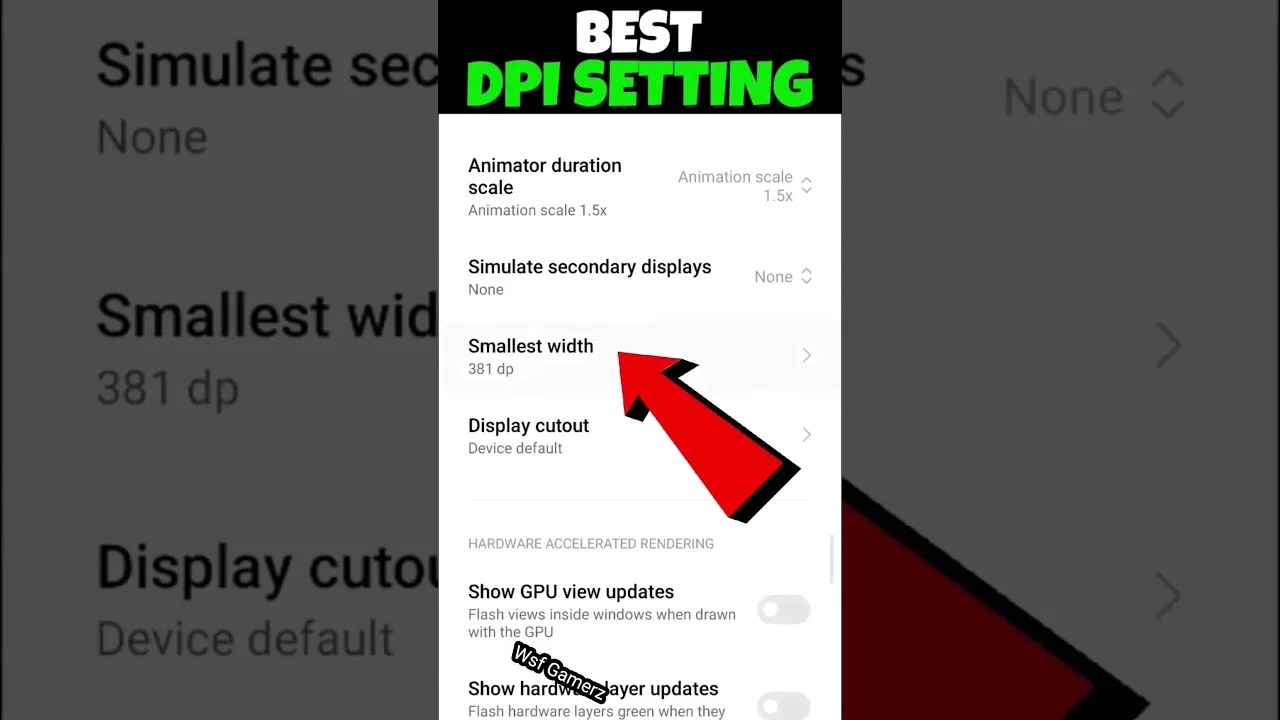
The most common mistake is copying a professional player's full configuration, including DPI and sensitivity, onto a different phone with a different screen. The numbers cannot transfer because the physical swipe they produce is different. The second mistake is changing settings after every lost fight, which guarantees your muscle memory never settles on anything.
The third mistake is practising only at one distance. Headshots at close range are mostly drag speed, while medium-range headshots are mostly placement and small corrections. Train both, keep settings stable for at least several sessions at a time, and let repetition do the work that constant adjustment never will.
Also remember that movement wins fights before aim does. A player who reaches good positions needs easier shots, and easier shots make any headshot setting look better. Pair your aim drills with simple habits like stopping before you fire and choosing angles with cover nearby, and the percentages improve from both directions at once.
Final Thoughts
Consistent headshots are a system: crosshair carried at head height, sensitivity balanced for a controlled drag, a fire button your thumb can use without thinking, and drills that count results. Tune the system in that order and the FF Kipas settings become support for a skill you actually own.