A settings backup is simply a record of your tuned values kept outside the app, so an update, a reinstall, or a new phone can be rebuilt to match your current setup exactly. FF Kipas setups can involve sensitivity values, DPI choices, button layouts, and section preferences, and together they represent hours of testing that nobody wants to repeat from memory.
The routine in this guide takes a few minutes and works even if the app itself offers no export button, because a careful written record plus screenshots covers everything. Readers following the update process will find this pairs naturally with FF Kipas panel for Android as preparation, and the steps below explain the full method from capture to restore.
What Exactly Needs Backing Up
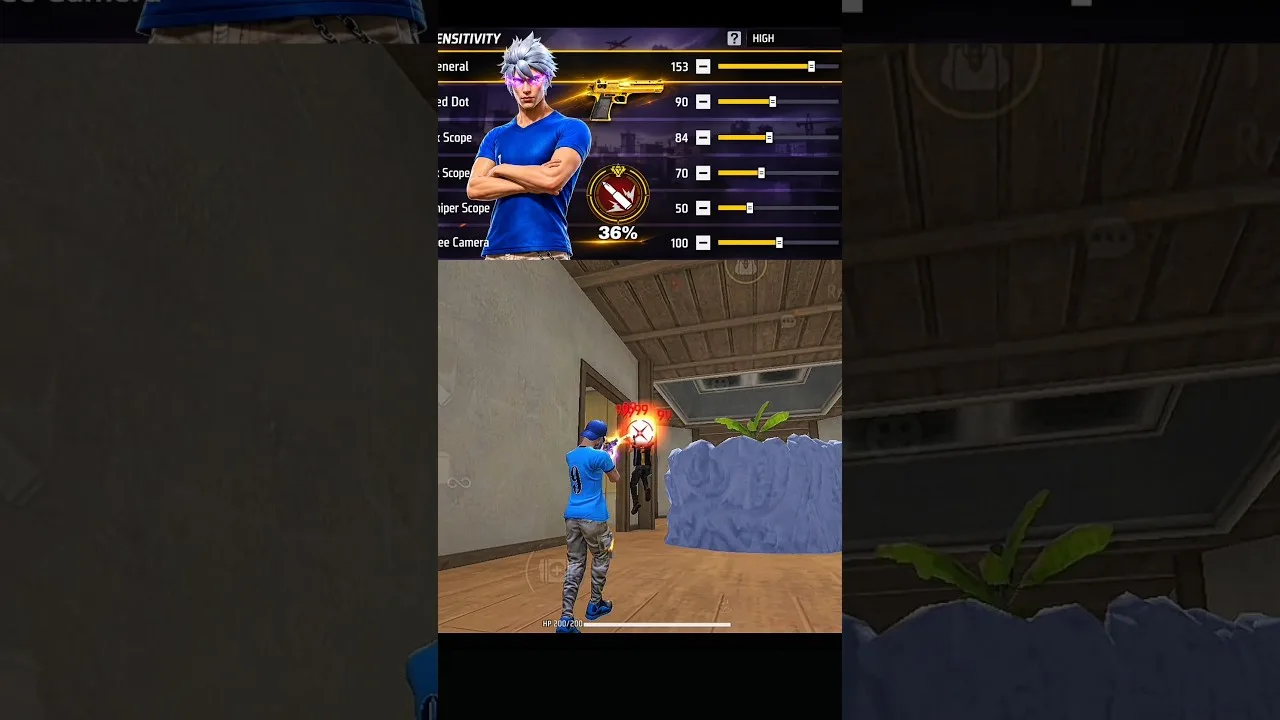
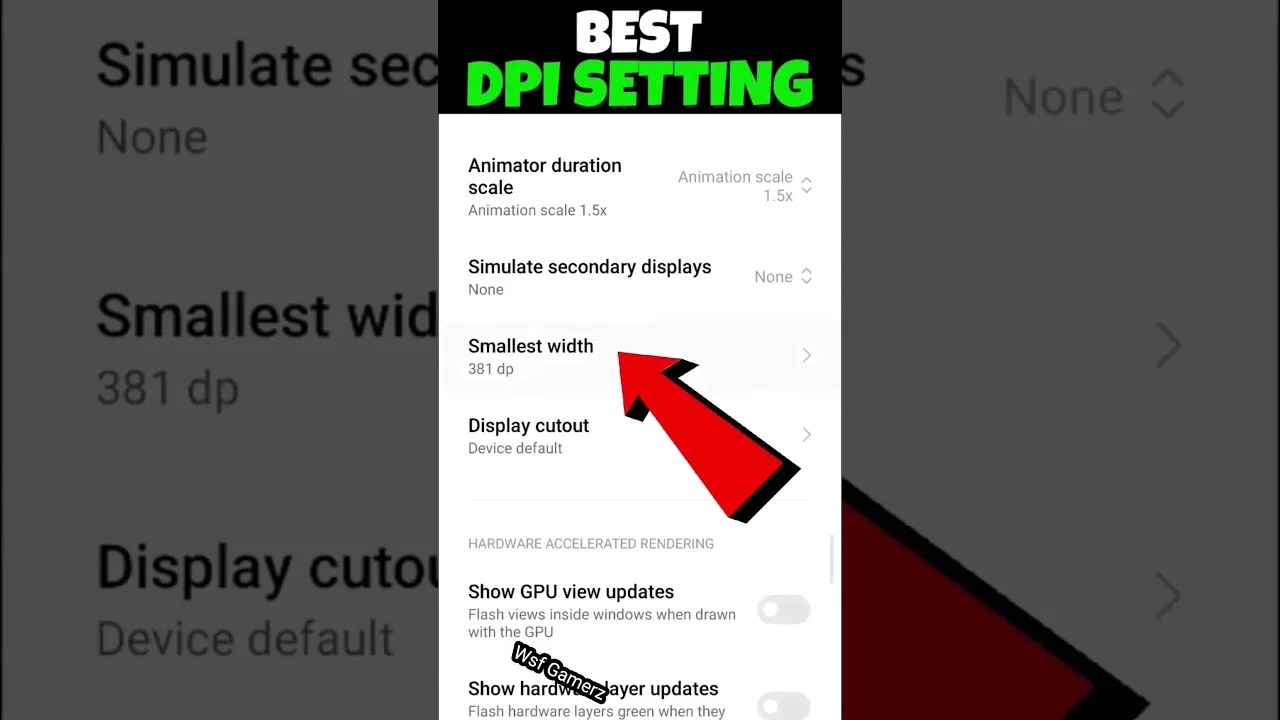
Start with the numbers that define aim: general, red dot, and scope sensitivities, plus your DPI value. Add your fire button size and position, any custom layout changes, and the panel sections you actually use with their chosen options. Anything you once adjusted and then left alone belongs on the list, because those settled values are the hardest to reconstruct by feel.
It also helps to note context alongside the values: the phone model, screen size, and whether the numbers were tuned for a particular grip or case. A value that felt perfect on one device may need small changes on another, and knowing the original context tells you where to start instead of starting blind.
The Screenshot and Notes Method
The most reliable low-tech method is a screenshot of every settings screen, stored in a cloud folder or sent to yourself somewhere safe, paired with a short note listing the same values as text. Screenshots preserve exact slider positions and layout visuals, while the text note survives even if an image is hard to read later.
Name the backup with the date and build so future-you knows which record is current. Keep one folder per device if you play on both a phone and an emulator. This takes one organised minute after any tuning session, and the habit of updating the record whenever you change a value is what makes the whole system trustworthy.
Backing Up Before an Update or Reinstall
The moments a backup matters most are updates and reinstalls, because both replace the app while your values live inside it. Make the backup a fixed step before either action, never an afterthought once the new build is already installed and the old values are gone.
The update flow described in how to update FF Kipas assumes this record exists before installation begins. Treat the two routines as one: capture, then update, then compare. If anything differs after the update, your record turns a vague feeling that something changed into a precise list of exactly which values to re-enter.
Consider keeping a second copy of the backup somewhere other than the phone itself. A settings record stored only on the device disappears in exactly the scenarios where you need it most: a lost phone, a factory reset, or a storage failure. Sending the note to your own email, saving it in a cloud folder, or keeping it in a notes app that syncs gives the record an independent life. The backup itself is tiny, a few images and a short list, so there is no cost to the redundancy. Players who treat their configuration as something worth two copies are simply acknowledging how many hours of testing those few numbers represent.
Restoring Settings Step by Step
To restore, install the app fresh, open each section, and re-enter the recorded values in the same order you captured them: aim values first, then DPI, then layout, then panel preferences. Working in a fixed order prevents the common mistake of testing aim before the layout is back in place, which makes good values feel wrong.
Not sure where a value lives? The FF Kipas main sections guide maps the app's areas so you can find each section quickly during a restore. After re-entering everything, run your standard practice drills before playing a real match. A restore is only confirmed when the drills feel the same, not merely when the numbers on screen match the record.
Keeping the Backup Useful Over Time
A backup decays when your live settings evolve and the record does not. Build the small habit of updating the note whenever a tuning session ends with a keeper change, and delete or archive older records so you never restore last month's experiment by accident. One current record beats five confusing ones.
When you are setting up a fresh install and need the current file, the download page is the place to start, with your backup open beside it. Five minutes of re-entry restores months of tuning, and that quiet insurance is what lets you update, experiment, and even change phones without ever fearing the loss of your setup.
Once a restore is confirmed by your drills, save a fresh copy of the record with the new date. Restores are exactly the moments when versions blur, and a clearly dated current record keeps the next update, whenever it arrives, just as uneventful as this one was.
Final Thoughts
Backup is a habit, not a feature: screenshots plus a dated text record of every value that matters, refreshed whenever your setup changes. Keep that record current and no update, reinstall, or new device can ever take your tuned FF Kipas setup away from you.