Panel play means using a setup utility like FF Kipas to organise and adjust your configuration in one place, while manual play means relying only on the game's own settings and your raw input. Neither approach is automatically better; they suit different players, different devices, and different amounts of patience for tuning.
This comparison looks at the real differences: how each approach handles aim setup, how long each takes to learn, how consistent each feels over time, and what happens when something needs adjusting. If you are still deciding whether the app fits your routine at all, FF Kipas mobile app gives the overview, and the sections below help you choose with clear eyes.
How Each Approach Handles Aim Setup
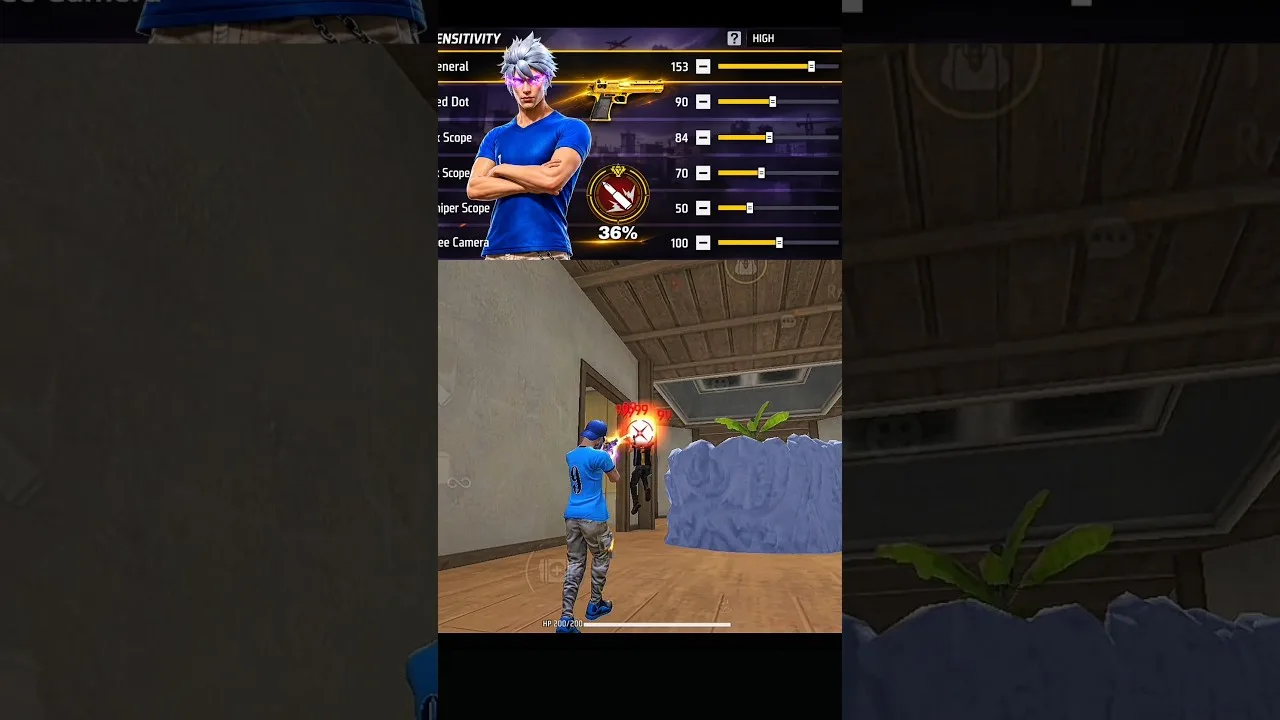
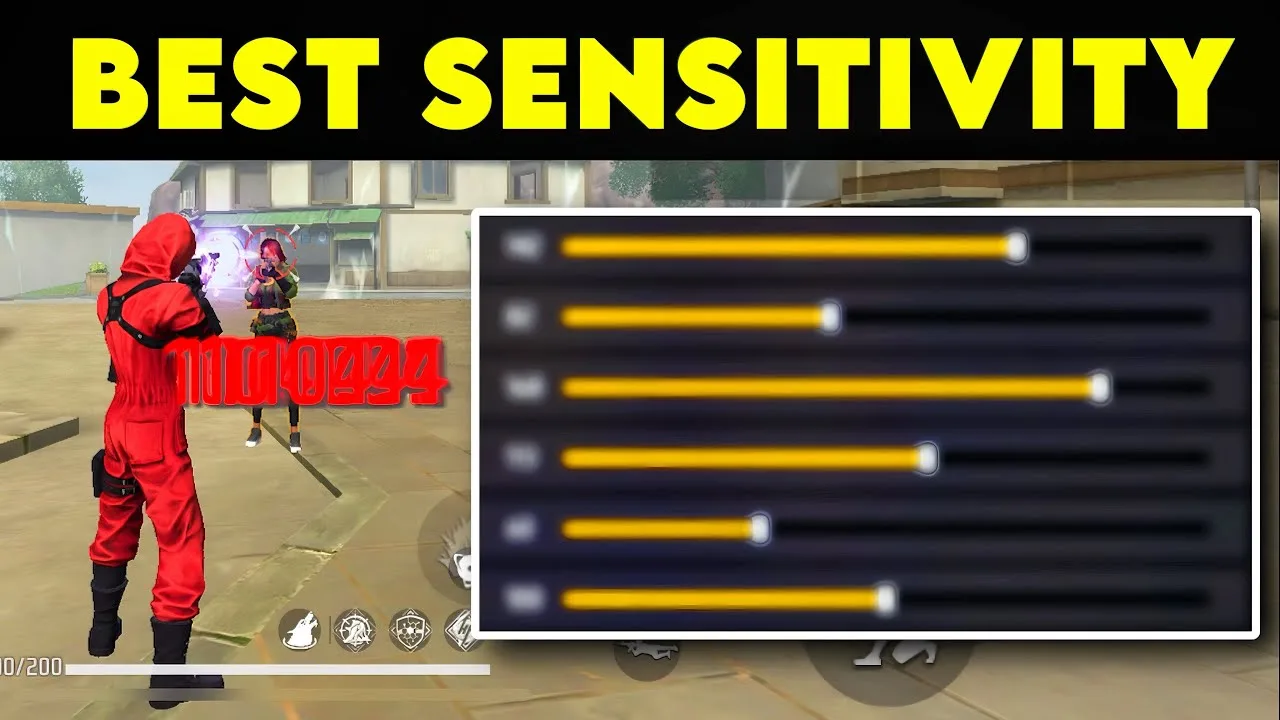
With manual play, every aim-related adjustment lives inside the game's own menus: sensitivity values, button layout, and display choices. The advantage is simplicity and a single place to look. The limitation is that you work within exactly the structure the game offers, adjusting each area separately whenever you want to experiment.
Panel play gathers setup work into a dedicated environment, which suits players who like to review their whole configuration as one system rather than as scattered menu pages. The FF Kipas features guide shows the range of areas the app organises. Players who enjoy structured tuning usually find the panel approach more satisfying, while players who rarely touch settings may never feel the difference.
Learning Curve and Time Investment
Manual play has almost no learning curve beyond the game itself, which makes it the faster start for a completely new player. You open the game, accept reasonable defaults, and learn by playing. The cost appears later, when improvement requires deliberate setting work that the scattered menus make tedious to organise.
Panel play asks for an initial investment: learning the sections, understanding what each option does, and building your first configuration patiently. That investment pays back over time for players who practise regularly, because adjustments become quicker and better organised. The guidance in best ways to use FF Kipas exists precisely to shorten that early learning phase into a sensible routine.
Consistency From Session to Session
Consistency is where the approaches separate most clearly. A panel-centred setup encourages a single, documented configuration that you return to every session, which helps muscle memory settle. Players who keep notes and resist daily changes develop noticeably steadier aim over a few weeks.
Manual players can be just as consistent, but it depends entirely on their own discipline, since nothing organises the configuration for them. In practice, many manual players drift: a value changed after a bad match here, a layout tweak there, until the setup no longer matches what their hands learned. The approach matters less than the habits, but the panel makes good habits easier to keep.
There is also a social angle worth admitting: panels and structured setups are easier to share and discuss. When a friend asks what you use, a documented panel configuration can be described, compared, and recreated, while a manual setup held together by memory is hard to explain and harder to rebuild after a phone change. Communities form around shared configurations for exactly this reason. None of that makes panel play compulsory, but it does mean the panel route benefits from collective experience: common problems have known answers, and sensible starting points are easy to find. A manual player walks a quieter road, which suits some temperaments perfectly and leaves others wishing for a map.
When Something Needs Fixing
Every setup eventually misbehaves: an update shifts a value, a new phone changes the screen feel, or performance dips. With a panel setup and a recorded configuration, diagnosis is systematic: compare current values against your record, check the device basics, and restore what changed.
Manual setups are fixed the same way in principle, but without a central record the comparison step is guesswork. This is one reason experienced players from both camps converge on the same advice over time: whatever approach you use, write your settings down. The tool differs; the discipline that makes it work does not.
Choosing Based on Your Style
Choose panel play if you enjoy tuning, play regularly, use more than one device, or want your setup organised and restorable. Choose manual play if you play casually, dislike extra apps on your phone, or know you will never spend time in settings menus beyond a one-time adjustment.
Many players also land in the middle: panel for the initial structured setup and periodic reviews, then long stretches of simply playing without touching anything. That rhythm is healthy. The goal was never to spend your gaming time in menus; it is to reach a configuration you trust and then let your attention go back to the game itself.
Whichever route you choose, revisit the decision once or twice a year rather than weekly. Your play changes over time: new devices arrive, sessions get longer or shorter, and the approach that suited a casual player may not suit the regular you have become, or the other way around.
Final Thoughts
Panel and manual play are two routes to the same destination: a stable setup matched to your hands. The panel route organises the work and rewards players who like structured tuning, while the manual route suits players who want the fewest moving parts. Pick the one that matches how you actually play, then keep the settings steady.